
Key facts
Start here
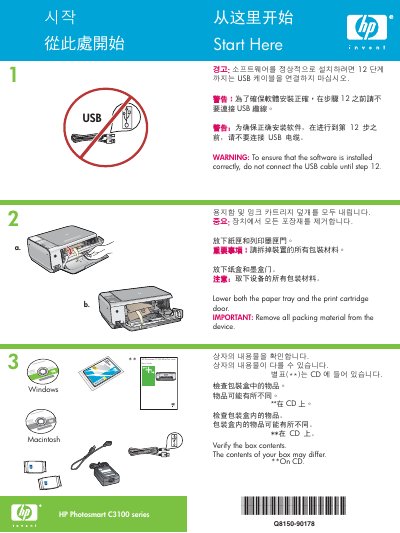
HP Photosmart C3100 Series All-in-One Start Here Guide
This document is a multilingual Start Here guide for the HP Photosmart C3100 series All-in-One. It shows how to remove packing material, connect power, install the tri-color and black print cartridges, load paper, and install the supplied software for Windows or Macintosh.
It also describes loading photo paper and trying basic features after setup, including waiting for cartridge alignment and following the onscreen installation instructions. This manual is written in Chinese.
All HP C3100 series documents by type
Day-to-day operation, settings and troubleshooting. Start here if the product is already set up.
The shortest path to a working setup, usually only a few pages.
Questions answered in these manuals
What is the product model?
HP Photosmart C3100 series.
What should be done after inserting the ink cartridges?
Close the ink cartridge cover.
When should I connect the USB cable?
Do not connect it until step 12; on Windows, connect it when the USB prompt appears.
From: HP Photosmart C3100 Series All-in-One Start Here Guide
Which print cartridge goes in which slot?
Insert the tri-color cartridge in the left slot and the black cartridge in the right slot.
From: HP Photosmart C3100 Series All-in-One Start Here Guide