
Key facts
Start here
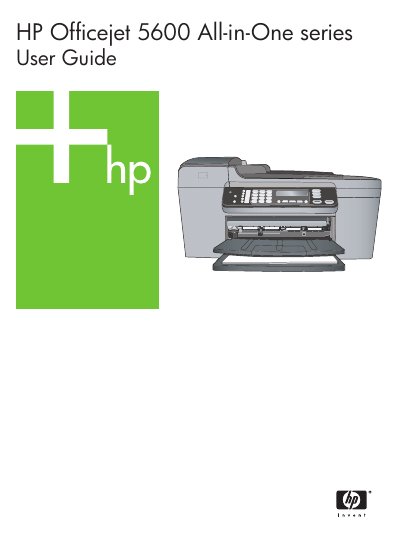
HP Officejet 5600 All-in-One Series User Guide
This document serves as the User Guide for the HP Officejet 5600 All-in-One series. It covers hardware features, control panel functions, and the use of the HP Image Zone software. The guide details how to set up the device, load paper and originals, and perform basic tasks such as copying, scanning, and sending faxes directly from the machine.
Read onlineHP Officejet 5600 specifications
| Maximum print speed | Up to 278 pages per minute (black) |
|---|---|
| Maximum scan resolution | 600 x 1200 dpi |
| Fax memory | Up to 100 pages |
| Memory specifications | 2 MB ROM, 16 MB RAM |
| Recommended USB cable length | No longer than 3 m (10 ft) |
All HP Officejet 5600 documents by type
Day-to-day operation, settings and troubleshooting. Start here if the product is already set up.
Questions answered in these manuals
What is the HP Officejet 5600 All-in-One used for?
It is used for making copies, sending faxes, and scanning images.
What software is installed on the computer when setting up the HP All-in-One?
The HP Image Zone software is installed on your computer.
How do I clean the HP Officejet 5600 All-in-One?
Refer to the Maintenance section, which describes cleaning the printer, cleaning the glass plate, and cleaning the ink cartridge contacts.
What are the paper tray capacities?
Paper tray 1 holds up to 100 sheets, tray 2 up to 50 sheets, and the document feeder up to 25 sheets.