
Key facts
Start here
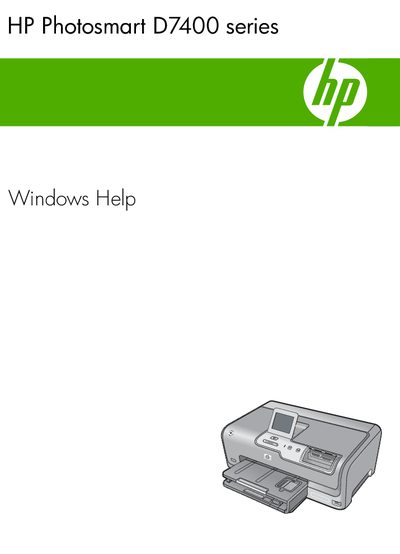
HP Photosmart D7400 Series Reference Manual
This manual covers all aspects of using the HP Photosmart D7400 series printer, from initial setup and configuration of wired or wireless network connections to loading paper, adjusting print settings, and using photo features. It also includes detailed instructions for maintaining the printer, such as replacing ink cartridges and cleaning the print head.
Additional sections provide troubleshooting guidance for common issues, warranty and support information, and technical specifications. The document serves as a comprehensive reference for both everyday users and technicians who need to service the printer.
All HP Photosmart D7400 series documents by type
Day-to-day operation, settings and troubleshooting. Start here if the product is already set up.
Questions answered in these manuals
Can the HP Photosmart connect to both a wireless and wired network at the same time?
No, you can connect the HP Photosmart to either a wireless or wired network, but not both at the same time.
What does the Attention light indicate?
The Attention light indicates that a problem occurred; see the display for more information.
How can I connect the HP Photosmart to a wireless network?
Use the integrated wireless WLAN 802.11 network setup and create a network profile for your operating system.
How do I replace the ink cartridges?
Open the printer, locate the cartridge compartment, and replace the ink cartridges as described.