
Key facts
Start here
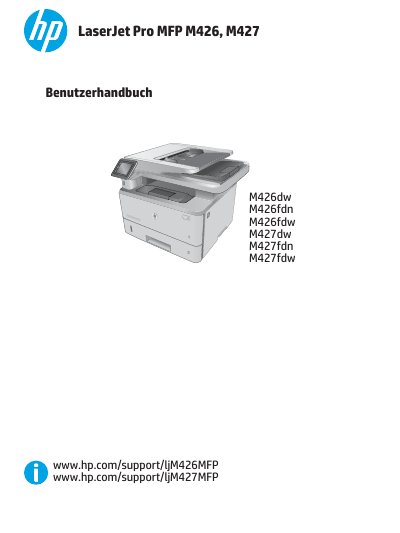
HP LaserJet Pro MFP M426/M427 User Manual
This manual covers the HP LaserJet Pro MFP M426 and M427 multifunction printer series. It describes printer views, paper trays, supplies, printing, copying, scanning, faxing, printer management, and troubleshooting.
The specifications section lists model and product numbers, paper tray capacities, connectivity, a color touchscreen control panel, print speeds of 38 pages per minute on A4 and 40 on Letter, copy and scan speeds up to 26 pages per minute, and that fax is not available. This manual is written in German.
HP M426/M427 specifications
| Paper tray 1 capacity | 100 sheets |
|---|---|
| Paper tray 2 capacity | 250 sheets |
| Paper tray 3 capacity | 550 sheets |
| Print speed (A4) | 38 pages per minute |
| Print speed (Letter) | 40 pages per minute |
| Copy and scan speed | up to 26 pages per minute |
| Control panel | Color touchscreen |
| Ethernet | 10/100/1000 LAN with IPv4 and IPv6 |
| USB | Hi-Speed USB 2.0 |
| Direct-print USB port | Available |
| Fax | Not available |
| Automatic duplex printing | Supported |
All HP M426/M427 documents by type
Day-to-day operation, settings and troubleshooting. Start here if the product is already set up.
Questions answered in these manuals
How fast does the HP LaserJet Pro MFP M426/M427 print?
It prints 38 pages per minute on A4 paper and 40 pages per minute on Letter paper.
Does this printer support faxing?
No, fax is not available on these models.
What is the recommended operating temperature range?
The recommended operating temperature is 17.5° to 25°C (63.5° to 77°F).
What is the maximum capacity of Tray 3?
Tray 3 has a maximum capacity of 550 sheets.