
Key facts
- Brand
- HP
- Model
- Deskjet 3840 系列
- Category
- Printer
- Industry
- Electronics
- Documents
- 3
- Languages
- HU · FR · ZH-HK
- Last added
- 2026-11-22
Start here
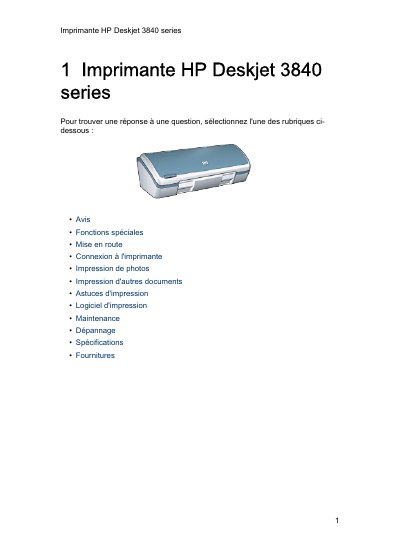
HP Deskjet 3840 Series Printer User Manual
The HP Deskjet 3840 series is a compact inkjet printer offering photo-quality printing, six-ink printing with an optional photo cartridge, borderless printing for 10 x 15 cm photos, a cancel button, and an on-screen ink level indicator.
This French user manual describes printer buttons and lights, paper trays, ink cartridges, ink-saving mode, USB connection, photo and document printing, software, maintenance, troubleshooting, specifications, supplies, and recycling. This manual is written in French.
HP Deskjet 3840 系列 specifications
| Interface | USB |
|---|---|
| Borderless photo size | 10 x 15 cm |
| Ink colors | 6 |
| Design | Compact |
All HP Deskjet 3840 系列 documents by type
Day-to-day operation, settings and troubleshooting. Start here if the product is already set up.
Questions answered in these manuals
What items are included in the HP Deskjet 3840 series printer box?
The box contains the printer, a black ink cartridge, a tri-color ink cartridge, a power supply, a power cord, installation posters for Windows and Macintosh, a reference guide, and the printer software CD.
What are the requirements for the USB cable used to connect the printer?
You should use a full speed USB 2.0 compliant cable that is at most 3 méter long.
How do I cancel a print job?
Press the cancel button to stop the current print job.
How do I recycle empty HP ink cartridges?
Return them to HP using the HP Planet Partners program at www.hp.com/recycle.
What special printing capability allows for printing 4x6 inch photos without cost?
The printer includes a feature called 'no-cost printing' that allows you to print 4x6 inch photos onto paper.
How do you turn the printer on and off safely?
You must always use the power button to turn the printer on and off to avoid damage.