
Key facts
- Brand
- HP
- Model
- 7.80
- Category
- SERVER
- Industry
- Electronics
- Documents
- 6
- Languages
- ZH · ES · EN
- Last added
- 2026-11-27
Start here
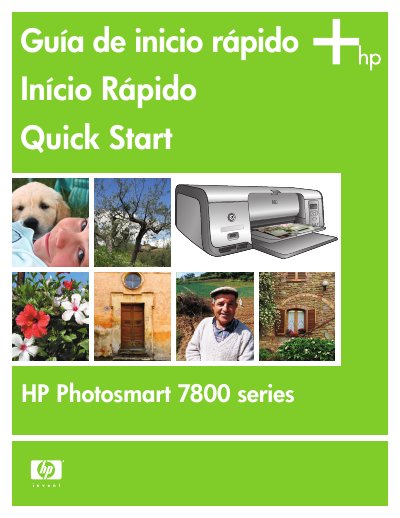
HP Photosmart 7800 Series Printer Quick Start Guide
This HP Photosmart 7800 series Quick Start Guide walks through initial printer setup: unpacking the printer and checking box contents, connecting the power supply, turning the printer on, and unfolding the paper trays. It also notes that Windows users should not connect the USB cable until prompted during software installation.
The guide then explains installing the HP Tri-color print cartridge in the left stall and the HP Photo print cartridge in the right stall, followed by loading plain letter paper for print cartridge alignment. The same setup steps are provided in Spanish, Portuguese and English. This manual is written in Spanish.
HP 7.80 specifications
| USB cable type | USB 2.0 full-speed compliant cable |
|---|---|
| Maximum USB cable length | 3 meters (10 feet) or less |
| Paper for print cartridge alignment | Plain letter paper |
| Left print cartridge stall | HP Tri-color print cartridge |
| Right print cartridge stall | HP Photo print cartridge |
All HP 7.80 documents by type
Day-to-day operation, settings and troubleshooting. Start here if the product is already set up.
The shortest path to a working setup, usually only a few pages.
Questions answered in these manuals
What operating systems does Software Discovery support?
Software Discovery supports HP-UX, IBM AIX, Red Hat Enterprise Linux, Solaris, SUSE Linux Enterprise Server, VMware, and Windows® operating systems.
From: HP Server Automation Software 7.80 Software Discovery Document
Where is the Software Discovery package downloaded to?
The package is downloaded as a zip file named OPSWsmo_discovered_software-<version>.zip and placed in the directory /var/opt/opsware/sm on the SA core server.
From: HP Server Automation Software 7.80 Software Discovery Document
What USB cable does HP recommend for the printer?
HP recommends a USB 2.0 full-speed compliant cable that is 3 meters (10 feet) or less in length.
Should Windows users connect the USB cable before software installation?
No. Windows users should not connect the USB cable until prompted during software installation.
How long does it take for the printer to enter sleep mode?
After initial setup, the printer will enter Sleep mode after five minutes of inactivity.
What is the maximum optical resolution for scanning?
The scanner offers an optical resolution of up to 1200 dpi.