
Key facts
Start here
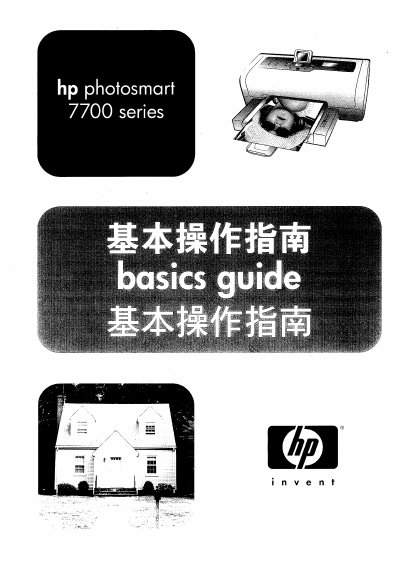
HP Photosmart 7700 Series Printer Basic Operating Instructions
The manual covers everything needed to get the HP Photosmart 7700 Series printer up and running, including unpacking, installing the supplied ink cartridges, and connecting the printer to a computer via USB. It also explains how to load photo paper, adjust settings, and use the printer's control panel.
Additional sections provide troubleshooting guidance, supported file formats, and information about ENERGY STAR compliance. The document includes references to the Installation Guide, Basic Operating Guide, and Support Reference Guide that are included on the supplied CD. This manual is written in Chinese.
All HP 7700 series documents by type
Day-to-day operation, settings and troubleshooting. Start here if the product is already set up.
Questions answered in these manuals
How do you access the printer’s menu options?
Press the MENU (Izvēlne) button on the control panel to access the printer’s menu options.
What are the available print quality settings in the printer’s menu?
The available print quality settings are Best (Vislabākā), Normal (Parasta), and Print sample page (Drukāt parauglappusi).
How do I install the HP Photosmart 7700 Series printer?
Use the Installation Guide included on the CD to follow the step‑by‑step setup instructions.
From: HP Photosmart 7700 Series Printer Basic Operating Instructions
Is the HP Photosmart 7700 Series printer ENERGY STAR certified?
Yes, the printer meets ENERGY STAR energy‑efficiency guidelines.
From: HP Photosmart 7700 Series Printer Basic Operating Instructions