
Key facts
- Brand
- HP
- Model
- 4500 G510
- Category
- Printer
- Industry
- Electronics
- Documents
- 6
- Languages
- EN · ZH
- Last added
- 2026-11-27
Start here
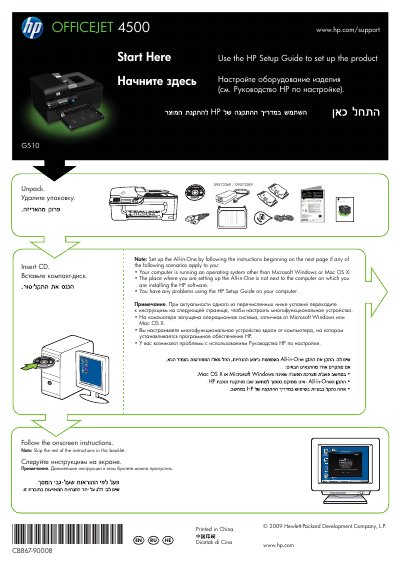
HP OfficeJet 4500 G510 Getting Started Guide
The HP OfficeJet 4500 G510 Getting Started Guide helps users set up the All-in-One printer. It includes steps for unpacking the product, inserting the setup CD, choosing the control panel language and location, and loading paper into the main tray.
The guide also explains how to align the cartridges, install software for Windows or Mac OS X, connect using USB or Ethernet, obtain network information, and register the product at www.register.hp.com.
All HP 4500 G510 documents by type
Day-to-day operation, settings and troubleshooting. Start here if the product is already set up.
The shortest path to a working setup, usually only a few pages.
Mounting, wiring and first power-up. Read it before the hardware goes in.
Questions answered in these manuals
How do I align the cartridges after installation?
When prompted, press OK to print the alignment page, then place the printed page face down on the scanner glass and press OK to scan it; the alignment is complete after scanning.
What is the product described in the manual?
The product is an HP All-in-One device.
How do I confirm the language selection on the control panel?
Press OK, and then press 1 to confirm the selection.
When do I connect the USB cable for Mac OS X installation?
Connect the USB cable, and then install the software.
Can I use the scanner glass for documents that do not meet paper specifications?
Yes, you should use the scanner glass to scan or copy documents containing pages that do not meet the requirements listed in the media tips.
What should I do if the device does not respond?
If the device is unresponsive, check for error messages on the control panel display and refer to the troubleshooting section.