
Key facts
Start here
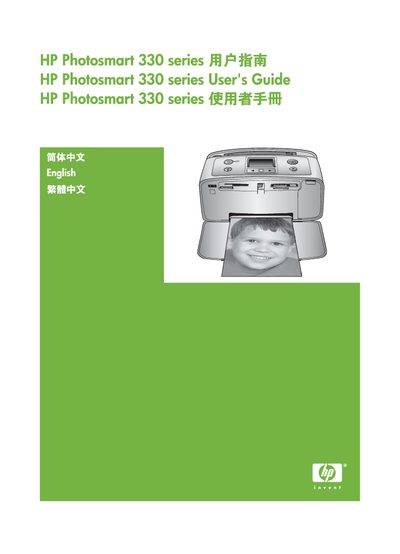
HP Photosmart 330 series User Guide
This guide provides step‑by‑step instructions for installing the HP Photosmart 330 series printer, loading paper and ink cartridges, and printing photos directly from memory cards, cameras, or a computer. It also covers optional accessories such as Bluetooth adapters and internal batteries.
Safety warnings, environmental information, and detailed troubleshooting tips are included, along with system requirements for installing the printer software on Windows and Macintosh computers. This manual is written in Chinese.
HP Photosmart 330 series specifications
| Legal model number | VCVRA-0508 |
|---|---|
| Product number | Q6377A |
| Image file formats | JPEG Baseline, TIFF variants |
| Photo paper size | 10 x 15 cm |
| Memory card types | CompactFlash Type I and II, MultiMediaCard |
All HP Photosmart 330 series documents by type
Day-to-day operation, settings and troubleshooting. Start here if the product is already set up.
Questions answered in these manuals
What is the legal model number of the HP Photosmart 330 series printer?
The legal model number is VCVRA-0508.
What is the product number for the HP Photosmart 330 series?
The product number is Q6377A.
How do I clear a paper jam?
If paper is stuck at the front, gently pull it out; if not, remove paper from the rear tray, open the paper feed tray fully, and pull the jammed paper out. If needed, turn off the printer before removing the jam.
What is the maximum distance for Bluetooth printing?
The recommended maximum distance between a Bluetooth device and the printer is 10 meters (30 feet).