
Key facts
- Brand
- HP
- Model
- 9.24
- Category
- Other software
- Industry
- Software
- Documents
- 3
- Languages
- EN · ZH
- Last added
- 2026-11-22
Start here
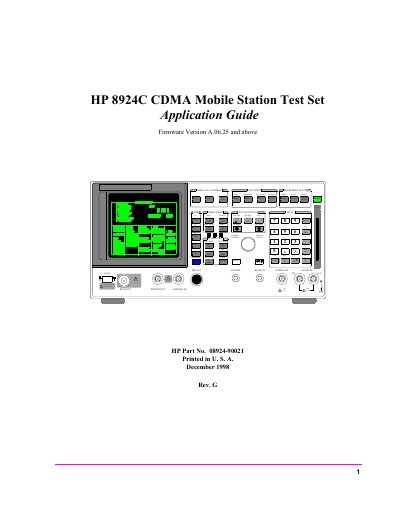
HP 8924C CDMA Mobile Station Test Set Application Guide
The HP 8924C CDMA Mobile Station Test Set Application Guide covers calibration procedures, setting up a call, and problem solving for the instrument. It also includes safety, warranty, and conformity information.
The guide describes calibration of CDMA channel levels, channel power measurements, RF generator levels, average power measurements, and RF path loss, along with call setup checklists.
HP 9.24 specifications
| Operating Systems | Windows and Linux |
|---|---|
| Software Version | 9.24 |
| Release Date | November 2014 |
All HP 9.24 documents by type
Day-to-day operation, settings and troubleshooting. Start here if the product is already set up.
Questions answered in these manuals
Where can I find the installation requirements for Business Process Monitor?
You can find requirements and steps to install Business Process Monitor in the Business Process Monitor Deployment Guide on the product installation media or in the download package.
What are the known limitations regarding non-English characters?
BPM cannot run scripts that have non-English parameters or transaction names including Japanese characters, and script names cannot include non-English characters if created with VuGen 12.01.
What safety class is the HP 8924C?
It is a Safety Class I instrument.
From: HP 8924C CDMA Mobile Station Test Set Application Guide
What is the sound pressure emission?
It is less than 70 dB(A) at the operator position.
From: HP 8924C CDMA Mobile Station Test Set Application Guide
How can I adjust the focus on the HP Premium auto‑focus camera?
Open the camera settings in WebCam Companion or Magic‑i 3, uncheck the Auto Focus box, and move the focus slider to manually adjust the focus.
What should I do if the image is blurry?
Remove any protective film from the lens and, for the HP Premium auto‑focus model, disable auto‑focus and manually adjust the focus using the settings.