
Key facts
Start here
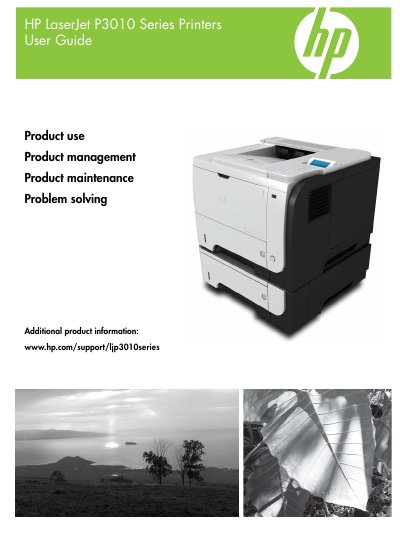
HP LaserJet P3010 Series Printers User Guide
This guide covers the full lifecycle of the HP LaserJet P3010 Series printers, including product basics, control panel usage, and software installation for Windows and Macintosh. It details how to configure network settings, manage paper and print media, and utilize various product features like EconoMode and job storage.
Read onlineHP P3010 Series specifications
| Tray 1 Capacity | 100 sheets of 75 g/m2 (20 lb) bond |
|---|---|
| Tray 2 Capacity | 500 sheets of 75 g/m2 (20 lb) bond |
| Paper Weight Range (Tray 1) | 60 g/m2 (16 lb) to 199 g/m2 (53 lb) |
| Paper Weight Range (Tray 2) | 60 g/m2 (16 lb) to 120 g/m2 (32 lb) |
All HP P3010 Series documents by type
Disassembly, diagnostics and part numbers, for repair.
Day-to-day operation, settings and troubleshooting. Start here if the product is already set up.
Questions answered in these manuals
What does the initial troubleshooting checklist ask about?
It asks basic questions about the environment, media, input trays, print cartridge, fuser, covers, and doors. It is used to help define problems quickly.
What can cause many paper jams?
Many jams are caused by paper that does not meet HP specifications. Incorrectly installed components and incorrectly loaded trays are also listed as causes.
What operating systems are supported for Windows?
The guide lists supported operating systems for Windows starting on page 40.
How do I change the network password?
You can set or change the network password from the control panel.
What paper weight range is supported in tray 1?
Tray 1 supports bond paper from 60 g/m2 to 199 g/m2, with a maximum stack height of 12 mm.
How many envelopes can be loaded in tray 1?
Tray 1 holds up to 10 envelopes weighing 75 g/m2 to 90 g/m2 bond paper.