
Key facts
- Brand
- HP
- Model
- 3300
- Category
- All-in-One Desktops
- Industry
- Electronics
- Documents
- 6
- Languages
- ET · ZH · EN
- Last added
- 2026-11-27
Start here
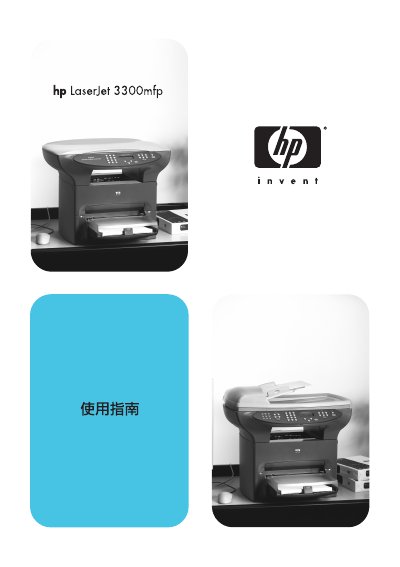
HP LaserJet 3300mfp User Guide
This document is the user guide for the HP LaserJet 3300mfp multifunction printer. It covers product identification, hardware and software components, and initial setup procedures including connecting cables, installing toner, and loading paper. This manual is written in Chinese.
Read onlineHP 3300 specifications
| Print specifications | Print specifications are detailed in the document |
|---|---|
| Scanning specifications | Scanning specifications are detailed in the document |
| Fax specifications | Fax specifications are detailed in the document |
Source: HP 3300 All-in-One User Manual
All HP 3300 documents by type
Day-to-day operation, settings and troubleshooting. Start here if the product is already set up.
Disassembly, diagnostics and part numbers, for repair.
Questions answered in these manuals
How to connect the HP 3300 All-in-One to a network?
Connect the HP 3300 All-in-One to a network using the Ethernet port or wireless connection as described in the manual.
What software is required for HP Image Zone?
HP Image Zone software is required for the HP 3300 All-in-One, and it does not support Mac OS 9 and OS 10.0.0 - 10.1.4.
What surface should the computer be used on?
Only on a hard, flat surface.
What can result from accessing parts meant for an authorized service provider?
It can damage the computer or void the warranty.
How do I change the default fax volume?
You can change the fax sound volume from the product control panel.
What is the black‑text print speed for the 3400 series?
The 3400 series prints black text at up to 10 pages per minute.