
Key facts
- Brand
- HP
- Model
- C5200 系列
- Category
- All-in-one printer
- Industry
- Electronics
- Documents
- 2
- Languages
- SV · ZH
- Last added
- 2026-11-27
Start here
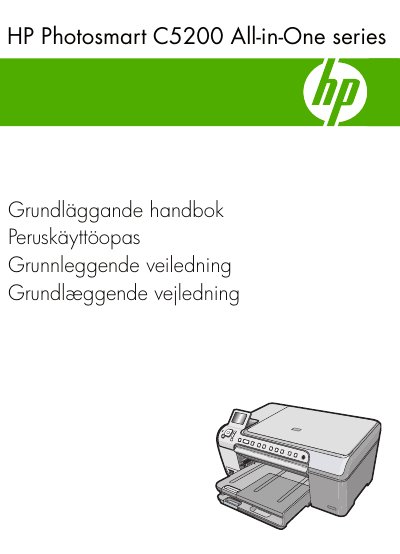
HP C5200 Series All-in-One Printer User Manual
This manual provides basic instructions for using the HP C5200 All-in-One printer, including how to print, scan, and copy. It also covers maintenance, troubleshooting, and support options. The device features a control panel with buttons for direct operations without needing a computer.
The manual includes sections on system requirements, product specifications, ink cartridge replacement, cleaning, and troubleshooting common issues like paper jams or print errors. This manual is written in Swedish.
HP C5200 系列 specifications
| System Requirements | Windows, Windows 2000, Windows XP, Windows Vista |
|---|---|
| Ink Cartridge Capacity | Not specified in text |
| Energy Star® Compliance | Compliant |
All HP C5200 系列 documents by type
Day-to-day operation, settings and troubleshooting. Start here if the product is already set up.
Questions answered in these manuals
How do I print directly from a memory card?
Use the 'Print' button on the control panel to print photos from a memory card.
How do I replace the ink cartridges?
Open the ink cartridge cover and insert new cartridges according to the instructions.
How many plain paper sheets can the main input tray hold?
The main input tray holds up to 125 sheets of 20 lb./75 gsm paper.
What are the physical dimensions of the HP All-in-One?
It is 21.6 cm high, 45.2 cm wide, and 38.5 cm deep.