
Key facts
Start here
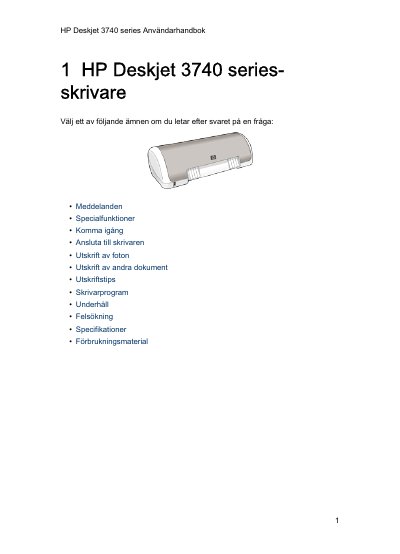
HP Deskjet 3740 Series Printer User Manual
This Swedish-language user manual covers the HP Deskjet 3740 series printer. Its contents include notices, special features, getting started, connecting to the printer, printing photos and other documents, printing tips, printer software, maintenance, troubleshooting, specifications, and supplies.
The manual describes features such as easy installation and use, borderless printing on 4 x 6 inch photos, an on-screen ink level indicator, reserve ink mode using one cartridge, and a compact design. It also explains the power button and lamp, paper tray use, cartridge replacement, and reserve ink mode behavior. This manual is written in Swedish.
All HP 3740 series documents by type
Day-to-day operation, settings and troubleshooting. Start here if the product is already set up.
Questions answered in these manuals
How do I turn the HP Deskjet 3740 series printer on or off?
Press the power button. It may take a few seconds for the printer to turn on, and the power button lamp blinks while the printer processes a print job.
How do I exit reserve ink mode?
Insert two ink cartridges into the printer.