
Key facts
- Brand
- HP
- Model
- Color LaserJet 2700 Series
- Category
- Printer
- Industry
- Electronics
- Documents
- 2
- Languages
- ZH
- Last added
- 2026-11-26
Start here
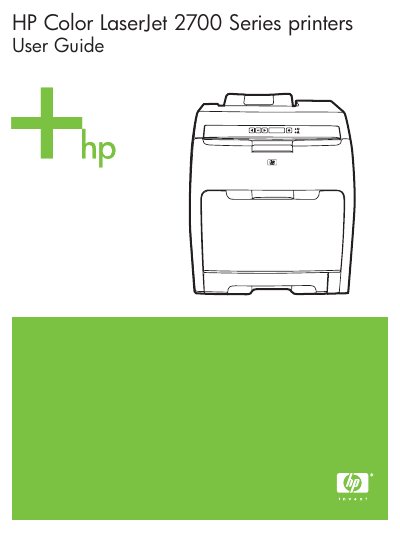
HP Color LaserJet 2700 Series Printer User Guide
This user guide provides step-by-step instructions for operating the HP Color LaserJet 2700 Series printer, including setup, printing tasks, control panel usage, and maintenance. It covers supported operating systems, drivers, print media, color management, and troubleshooting common issues. The guide also includes information on network configuration, printer software, and service support options. This manual is written in Chinese.
Read onlineHP Color LaserJet 2700 Series specifications
| Single-color print speed (letter/A4) | 20 ppm |
|---|---|
| Color print speed | 15 ppm |
| Memory (RAM) | 64 MB |
| Paper capacity (Tray 1) | 100 sheets |
| Paper capacity (Tray 2) | 250 sheets |
| Network capability | 10Base-T/100Base-TX |
All HP Color LaserJet 2700 Series documents by type
Day-to-day operation, settings and troubleshooting. Start here if the product is already set up.
Questions answered in these manuals
What paper weight range is recommended for optimum results?
For optimum results, use conventional photocopy paper that weighs between 75 g/m2 and 90 g/m2.
What is the maximum paper capacity for Tray 2?
Tray 2 can hold up to 250 sheets of paper.
What is the print speed for single-color printing?
The printer can print up to 20 pages per minute (ppm) on letter-sized media.
What is the print speed for color printing?
The printer achieves a speed of up to 15 ppm when performing color printing.