
Key facts
- Brand
- HP
- Model
- K850
- Category
- Printer
- Industry
- Electronics
- Documents
- 4
- Languages
- CS · EN · ZH
- Last added
- 2026-11-27
Start here
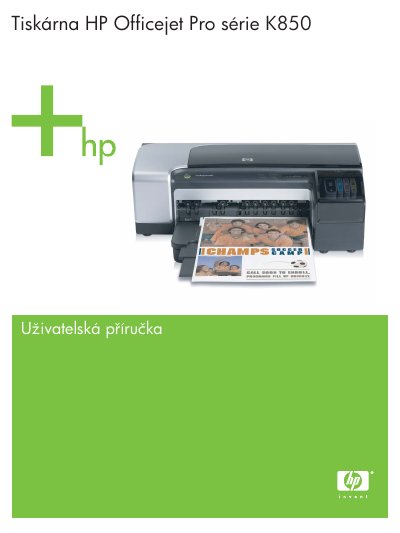
HP Officejet Pro K850 Printer User Manual
This manual provides instructions for installing, operating, and maintaining the HP Officejet Pro K850 printer. It includes safety guidelines, setup procedures, printer configuration, media handling, maintenance tasks like replacing ink cartridges and cleaning print heads, troubleshooting common issues, and information on consumables and support resources. The document is in Czech but contains English product names and technical specifications. This manual is written in Czech.
Read onlineHP K850 specifications
| Model | K850 |
|---|---|
| Brand | HP |
| Language | Czech |
| Document Version | Version 1, 5/2005 |
All HP K850 documents by type
Day-to-day operation, settings and troubleshooting. Start here if the product is already set up.
Disassembly, diagnostics and part numbers, for repair.
Questions answered in these manuals
How do I replace ink cartridges?
Follow the step-by-step procedure in the maintenance section to replace ink cartridges.
How do you replace an ink cartridge in the HP Officejet Pro K850?
Open the ink cartridge access door and remove the old cartridge, then insert the new one until it clicks into place.
What processors are available for the HP EliteBook 850 G8?
The data sheet lists 11th Generation Intel Core i7 and Intel Core i5 processors.
What is the maximum memory?
Maximum memory is 64 GB DDR4-3200 SDRAM with dual channel support.
How do I update the BIOS?
Download the BIOS update from HP, then install it using the instructions in the guide.
What is the battery capacity?
The battery is 3 cell, 51 Whr, polymer, with HP Fast Charge Technology.