
User guide for HP Officejet Pro K850 printer covering setup, operation, maintenance, troubleshooting, and support information.
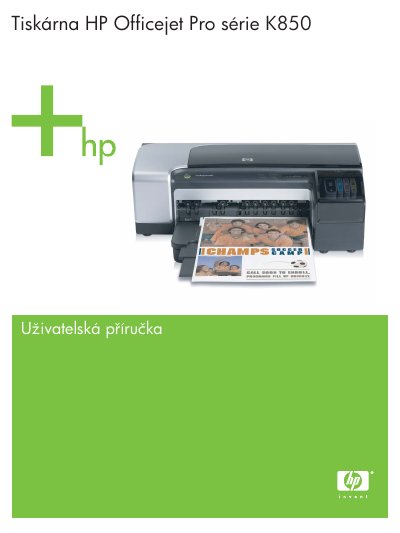
This manual provides instructions for installing, operating, and maintaining the HP Officejet Pro K850 printer. It includes safety guidelines, setup procedures, printer configuration, media handling, maintenance tasks like replacing ink cartridges and cleaning print heads, troubleshooting common issues, and information on consumables and support resources. The document is in Czech but contains English product names and technical specifications. This manual is written in Czech.
| Model | K850 |
|---|---|
| Brand | HP |
| Language | Czech |
| Document Version | Version 1, 5/2005 |
Follow the step-by-step procedure in the maintenance section to replace ink cartridges.
Open the ink cartridge access door and remove the old cartridge, then insert the new one until it clicks into place.
The output tray capacity is 19 sheets.
Open the front manual feed tray and insert paper, adjusting the guides to match the paper size.