
Key facts
Start here
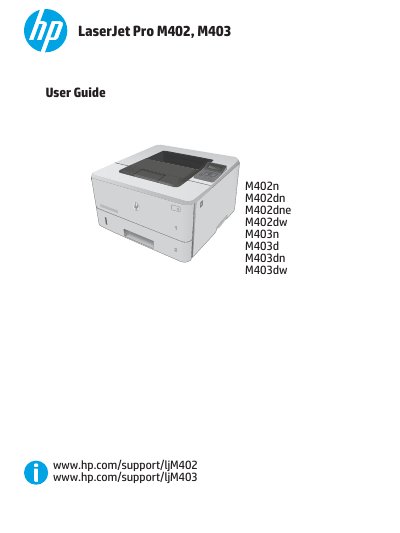
HP LaserJet Pro M402, M403 Series User Guide
This document serves as a comprehensive user guide for the HP LaserJet Pro M402 and M403 series of laser printers. It provides detailed instructions on printer overview, hardware setup, software installation, and managing various printing tasks across Windows and OS X operating systems.
The manual also addresses maintenance procedures such as replacing toner cartridges, clearing paper jams in different trays and the fuser, and improving print quality. Additionally, it covers advanced configuration options via HP Embedded Web Server (EWS) and HP Utility, including network settings, security features like password assignment, energy conservation modes, and firmware updates.
HP LaserJet Pro M402, M403 specifications
| Print speed (A4) | 38 ppm |
|---|---|
| Print speed (Letter) | 40 ppm |
| Tray 1 capacity | 100 sheets |
| Tray 2 capacity | 250 sheets |
| Tray 3 capacity | 550 sheets |
All HP LaserJet Pro M402, M403 documents by type
Day-to-day operation, settings and troubleshooting. Start here if the product is already set up.
Questions answered in these manuals
What are the default settings options for the printer?
You can choose between Self-managed for optimized settings with installation help, or IT-managed for optimized settings with improved security for fleet management.
How do I manually configure the IP address?
To manually configure the IP address, open the Network Setup menu on the printer control panel and follow the instructions provided in the user guide.
What are the supported operating systems for this printer?
The printer supports Windows PCL 6 and OS X print drivers.
Does the M402 series support automatic duplex printing?
No, automatic duplex printing is not available for the M402 models.