
Key facts
- Brand
- HP
- Model
- d530 小型机箱型号
- Category
- Desktops
- Industry
- Electronics
- Documents
- 2
- Languages
- ZH
- Last added
- 2026-11-25
Start here
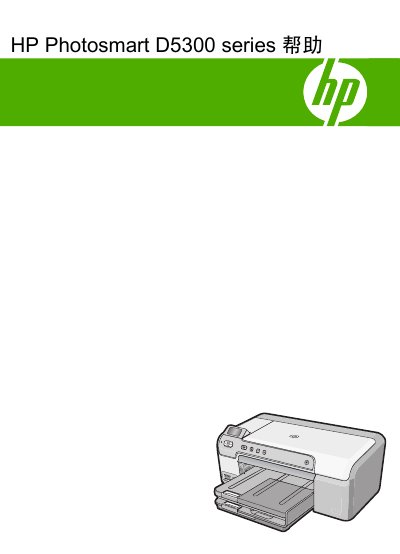
HP Photosmart D5300 Series User Manual
This guide covers the HP Photosmart D5300 Series all‑in‑one printer, describing its control panel functions, display icons, software usage, and supported computer connections. It explains how to load paper, CDs/DVDs, and how to print photos directly from the control panel.
The manual also includes detailed maintenance steps, power‑saving tips, troubleshooting for common issues such as paper jams, and technical specifications such as supported media sizes and print resolutions. Warranty, support information, and environmental compliance details are provided at the end. This manual is written in Chinese.
HP d530 小型机箱型号 specifications
| Dimensions | Height 3.95 inches (10.3 cm), Width 13.3 inches (33.78 cm), Depth 15.1 inches (38.35 cm) |
|---|---|
| Operating Temperature | 50° to 95 °F (10° to 35 °C) |
| Power Supply | 185 W |
| Weight | 21 lb (9.53 kg) |
Source: HP Compaq d530 Small Form Factor Hardware Reference Guide
All HP d530 小型机箱型号 documents by type
Day-to-day operation, settings and troubleshooting. Start here if the product is already set up.
Questions answered in these manuals
How do I customize the Easy Access buttons on the keyboard?
Double-click the keyboard icon in the notification area, then click the Help button for instructions.
From: HP Compaq d530 Small Form Factor Hardware Reference Guide
What is the serial number location on this computer?
The serial number is located on the top cover or the back panel of the computer.
From: HP Compaq d530 Small Form Factor Hardware Reference Guide
How do I load paper into the HP Photosmart D5300?
Select the desired paper type and place the sheets in the paper tray as described in the paper loading section.
How can I reduce power consumption when the printer is idle?
Turn off the HP Photosmart using the power button; this reduces energy use while the device is idle.