
Key facts
- Brand
- HP
- Model
- t630
- Industry
- Electronics
- Documents
- 4
- Languages
- ZH · EN
- Last added
- 2026-11-22
Start here
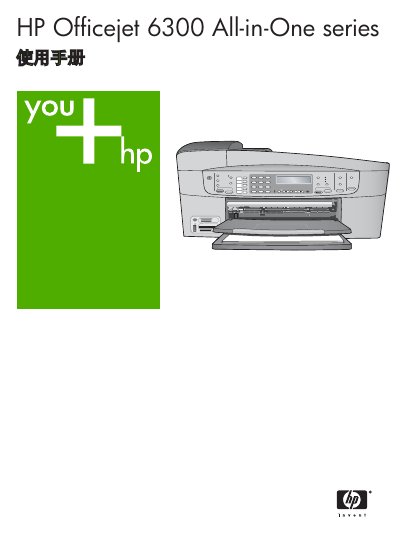
HP Officejet 6300 All-in-One Series User Manual
This manual covers the HP Officejet 6300 All-in-One printer, an integrated device that prints, copies, scans, and faxes. It explains hardware features, control panel functions, and menu navigation.
Key sections include initial setup, printing from a computer, fax configuration, copy and scan procedures, paper handling, troubleshooting, and technical specifications such as print speed, scan resolution, and supported media. This manual is written in Chinese.
HP t630 specifications
| Operating Temperature | 10°C to 40°C (50°F to 104°F) without fiber NIC, 10°C to 35°C (50°F to 95°F) with fiber NIC |
|---|---|
| Power Supply | 100 VAC to 240 VAC, 50 Hz to 60 Hz |
| Rated Output Current | 2.31 A |
Source: HP t630 Thin Client User Manual
All HP t630 documents by type
Day-to-day operation, settings and troubleshooting. Start here if the product is already set up.
Questions answered in these manuals
What is the power requirement for the HP t630?
The device requires 100 VAC to 240 VAC at 50 Hz to 60 Hz, with a maximum output of 45 W.
Where is the serial number located?
The serial number is located on the thin client as shown in the illustration in the manual.
How do I turn the camera on and off?
Use the ON/OFF switch; it turns the camera power on and off.
What batteries does the HP Photosmart 630 use?
It uses two AA batteries (non‑rechargeable) or optional rechargeable NiMH batteries, and can be powered by an HP AC adapter.
How many black‑and‑white pages can the Officejet 6300 print per minute?
It can print up to 30 black‑and‑white pages per minute.
How many sheets can the paper tray hold?
The paper tray can hold up to 100 sheets of plain paper.