
Key facts
- Brand
- HP
- Model
- 8000 系列
- Category
- Printer
- Industry
- Electronics
- Documents
- 8
- Languages
- ZH · EN · RU
- Last added
- 2026-11-22
Start here
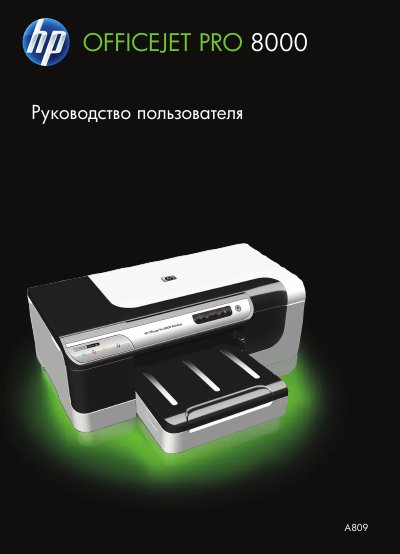
HP Officejet Pro 8000 A809 Printer User Manual
This manual is the user guide for the HP Officejet Pro 8000 (A809) printer. It covers preparing the printer for work, installing optional accessories, selecting and loading print media, printing, and changing print settings.
It also describes configuration and management, maintenance and troubleshooting, control panel indicators, HP supplies and accessories, support and warranty, device specifications, and regulatory information. This manual is written in Russian.
HP 8000 系列 specifications
| Print Speed | 24 pages per minute |
|---|---|
| Processor | 133-MHz RISC processor |
| Print Resolution | 1200 dpi |
| First Page Out | 15 seconds |
| Paper Size Range | 3.9 x 7.5 inch to 11 x 17 inch |
| Maximum Memory | 192 MB |
| Network Interface | HP JetDirect 600N Internal Print Server |
Source: HP LaserJet 8000 Series Laser Printer Technical Data
All HP 8000 系列 documents by type
Day-to-day operation, settings and troubleshooting. Start here if the product is already set up.
Mounting, wiring and first power-up. Read it before the hardware goes in.
Questions answered in these manuals
What is the print speed of the HP LaserJet 8000 Series?
The print speed is 24 pages per minute.
What is the print resolution?
The print resolution is 1200 dpi, with the same speed as 600 dpi using standard memory.
How do I enter the MEBx setup on the HP Compaq 8000 Elite?
Press Ctrl+P during POST to enter the Manageability Engine BIOS Extension (MEBx) Setup; this option is displayed during POST only if it is set in F10-Setup.
From: HP Compaq 8000 Elite Business PC Intel vPro Setup and Configuration Guide
What is the default MEBx password?
The default password is admin, and it is case-sensitive. You must change the default password before making changes to the MEBx options.
From: HP Compaq 8000 Elite Business PC Intel vPro Setup and Configuration Guide
К какой серии принтеров относится это руководство?
К принтеру серии HP Officejet Pro 8000 (A809).
Who is this installation guide intended for?
This guide is intended exclusively for qualified HP service personnel.