
Key facts
- Brand
- HP
- Model
- 6800系列
- Category
- Printer
- Industry
- Electronics
- Documents
- 6
- Languages
- ES · EN · ZH
- Last added
- 2026-11-25
Start here
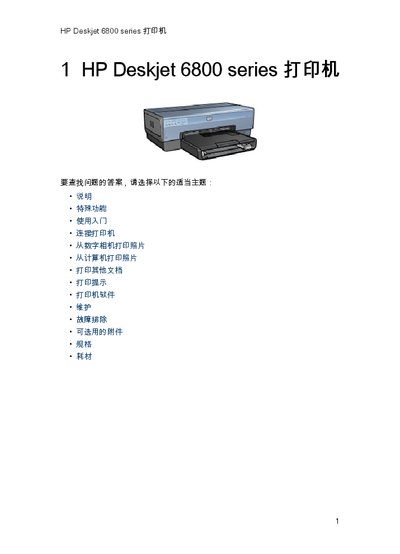
HP Deskjet 6800 Series Printer User Manual
This manual explains the special features of the HP Deskjet 6800 Series printer, including built‑in networking, ink‑backup mode, cancel‑print button, borderless printing, and optional accessories such as automatic duplex units and extra paper trays. It also describes the printer’s hardware components, buttons, indicators, paper handling paths, and PictBridge port.
Step‑by‑step instructions cover turning the printer on and off, loading paper and envelopes, using the photo/ envelope feeder, printing from a computer or camera, adjusting print settings, and troubleshooting common issues such as paper jams, low ink, and power problems. Environmental and recycling information is provided at the end of the guide. This manual is written in Chinese.
HP 6800系列 specifications
| Print Speed (4-color mode) | Up to 30 meters/minute |
|---|---|
| Print Speed (EPM mode) | Up to 40 meters/minute |
| Image Resolution | 812dpi, 8bit |
| Maximum Image Area | 320 x 980 mm |
| Substrate Thickness Range | 12 to 450 micrometers |
| Maximum Web Width | 340 mm |
All HP 6800系列 documents by type
Day-to-day operation, settings and troubleshooting. Start here if the product is already set up.
Mounting, wiring and first power-up. Read it before the hardware goes in.
Questions answered in these manuals
How do I connect the printer to a network?
Use the included Ethernet cable to connect the printer to a network hub, switch, or router.
What should I do if the Network light is not on?
Check the cable connections.
What is the maximum print speed in Enhanced Production Mode (EPM)?
The press can reach speeds of up to 40 meters per minute in EPM mode.
What is the maximum image area supported by this press?
The machine supports efficient production on an image area of up to 320 x 980 mm.
How do I cancel a print job?
Press the “Cancel Print” button on the printer to stop the current job.
How do I turn the printer on or off?
Use the power button; press it briefly to turn the printer on, and press it again to shut it down.