
Key facts
- Brand
- HP
- Model
- M148-M149 / M227-M229 / M230-M231
- Industry
- Electronics
- Documents
- 2
- Languages
- ZH · EN
- Last added
- 2026-11-27
Start here
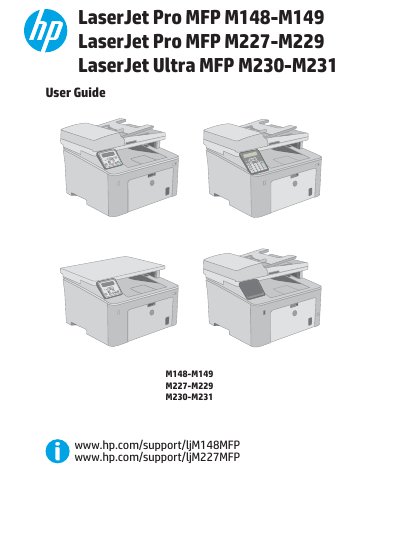
HP LaserJet Pro MFP M148-M149 User Guide
This user guide provides comprehensive instructions for HP LaserJet Pro MFP M148-M149, M227-M229, and M230-M231 printers. It includes printer overview, hardware setup, paper loading, printing, copying, scanning, faxing, and troubleshooting. The document covers both control panel operations and software features for Windows and macOS. This manual is written in Chinese.
Read onlineHP M148-M149 / M227-M229 / M230-M231 specifications
| Printer type | LaserJet Pro MFP |
|---|---|
| Supported operating systems | Windows and macOS |
| Interface ports | 2-line LCD control panel |
| Power consumption | Electrical specifications |
| Acoustic emissions | Acoustic emissions |
All HP M148-M149 / M227-M229 / M230-M231 documents by type
Day-to-day operation, settings and troubleshooting. Start here if the product is already set up.
Questions answered in these manuals
How to replace toner cartridge?
Remove and replace the toner cartridge following the printer instructions.
How to scan using HP software?
Scan by using the HP Scan software (Windows) or HP Easy Scan software (OS X).
What is the purpose of the Priority input tray?
The Priority input tray is used to load paper for printing.
From: HP LaserJet Pro MFP M148-M149/M227-M229/M230-M231 User Guide
How can users enable the Cartridge Policy feature?
Users can enable the Cartridge Policy feature using the printer control panel or the HP Embedded Web Server.
From: HP LaserJet Pro MFP M148-M149/M227-M229/M230-M231 User Guide