
Key facts
- Brand
- HP
- Model
- Officejet 6200 Series
- Category
- Printer
- Industry
- Electronics
- Documents
- 2
- Languages
- DE · ZH
- Last added
- 2026-11-23
Start here
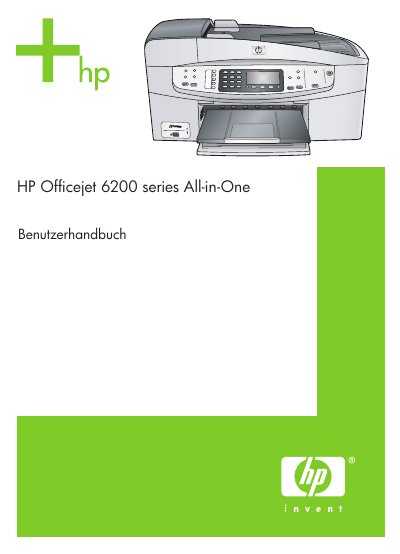
HP Officejet 6200 Series All-in-One User Manual
This manual provides step-by-step instructions for using the HP Officejet 6200 Series All-in-One printer. It covers basic operations like printing, copying, scanning, and faxing, as well as advanced features such as PictBridge camera support and HP Image Zone software. Safety precautions and troubleshooting tips are also included.
The document is structured into chapters covering hardware overview, connectivity, photo handling, copying, scanning, printing, fax setup, HP Instant Share, accessories, maintenance, troubleshooting, support, and technical specifications. This manual is written in German.
HP Officejet 6200 Series specifications
| System Requirements | Not specified in text |
|---|---|
| Paper Specifications | Not specified in text |
| Print Specifications | Not specified in text |
| Copy Specifications | Not specified in text |
| Fax Specifications | Not specified in text |
| Scan Specifications | Not specified in text |
| Dimensions and Weight | Not specified in text |
| Power Supply | Not specified in text |
| Environmental Conditions | Not specified in text |
All HP Officejet 6200 Series documents by type
Day-to-day operation, settings and troubleshooting. Start here if the product is already set up.
Questions answered in these manuals
How do I use the HP Image Zone software?
The HP Image Zone software offers advanced copying and scanning features, tips for troubleshooting, and product-specific help. It is installed on the computer during setup.
What safety precautions should I take?
Do not expose the device to rain or other moisture. Use a grounded outlet, unplug before cleaning, and place the device on a stable surface. Avoid using near water or when wet.
What type of power outlet should be used?
Use a grounded power outlet when connecting the device.
How many pages of fax memory does the device support?
The fax memory can hold up to 100 pages.