
Key facts
- Brand
- HP
- Model
- D7100系列
- Category
- Printer
- Industry
- Electronics
- Documents
- 2
- Languages
- ZH
- Last added
- 2026-11-22
Start here
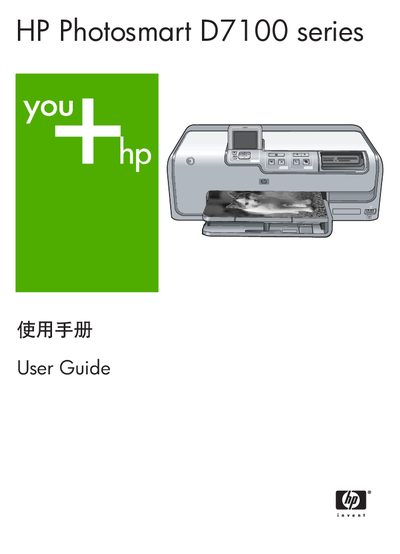
HP D7100 series Printer User Guide
This user guide provides step‑by‑step instructions for installing the HP Photosmart D7100 series printer, loading paper and ink cartridges, and printing photos directly from the printer or from connected devices. It also describes optional accessories, supported media types, and software features.
Additional sections cover routine maintenance, cleaning procedures, error‑message troubleshooting, technical specifications, and warranty information to help users keep the printer running smoothly. This manual is written in Chinese.
HP D7100系列 specifications
| Supported operating systems (Windows) | Windows 98, 2000 Professional, Me, XP Home, XP Professional |
|---|---|
| Supported operating systems (Mac) | Mac OS X 10.3, 10.4 and later |
| Minimum RAM | 64 MB (recommended 128 MB) |
| Processor requirement | Intel Pentium II or faster (or equivalent) |
| Connection interface | USB |
| Supported image file format | JPEG baseline |
All HP D7100系列 documents by type
Day-to-day operation, settings and troubleshooting. Start here if the product is already set up.
Questions answered in these manuals
What is the maximum size of paper that can be loaded into the photo tray?
You can load small-size paper up to 10 x 15 cm (4 x 6 inch) into the photo tray.
How do you turn on the printer?
Press the On button to turn on the printer.
How do I clear a paper jam?
Open the rear service door and remove the jammed paper.
How can I replace an incorrect ink cartridge?
Use the HP‑supplied cartridge that came with the printer and replace the faulty one.