
Key facts
- Brand
- HP
- Model
- 9.5.0
- Category
- Storage
- Industry
- Electronics
- Documents
- 7
- Languages
- ZH · EN
- Last added
- 2026-11-23
Start here
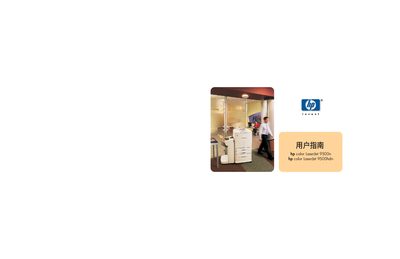
HP Color LaserJet 9500n and 9500hdn User Manual
This manual covers all aspects of using the HP Color LaserJet 9500n and 9500hdn printers, including control‑panel functions, print‑quality adjustments, color and media handling, and consumable replacement. It also provides guidance on remote management, firmware updates, and regulatory compliance.
The document includes detailed troubleshooting steps for common issues such as paper jams, print‑quality defects, and communication errors, as well as service and support information, warranty details, and specifications for power, noise, and environmental requirements. This manual is written in Chinese.
HP 9.5.0 specifications
| Interface | IEEE‑1284 compatible |
|---|---|
| Supported Operating Systems | Microsoft Windows or Windows NT 4.0 |
| Power Consumption | 4.5 W |
All HP 9.5.0 documents by type
Mounting, wiring and first power-up. Read it before the hardware goes in.
Day-to-day operation, settings and troubleshooting. Start here if the product is already set up.
Questions answered in these manuals
What is the software version of HP Storage Essentials in this guide?
The software version is 9.5.0.
What is the document release date for this installation guide?
The document was released on Friday, April 20, 2012.
Do cables come included with the printer?
No, the cables are not included with the printer.
From: HP PageWide Managed Color MFP E77650, E77660, P77440, P77940, P77950, P77960 Installation Guide
What paper size should be used to initialize the printer?
Use Letter/A4 paper in Tray 2 to initialize the printer.
From: HP PageWide Managed Color MFP E77650, E77660, P77440, P77940, P77950, P77960 Installation Guide
What is the print speed for white text?
The printer can print white text at a speed of up to 17 pages per minute.
Which operating systems are required for the HP DeskJet C2950A?
The printer works with Microsoft Windows or Windows NT 4.0.