
Key facts
- Brand
- HP
- Model
- DeskJet 630c
- Category
- Printer
- Industry
- Electronics
- Documents
- 2
- Languages
- ZH
- Last added
- 2026-11-28
Start here
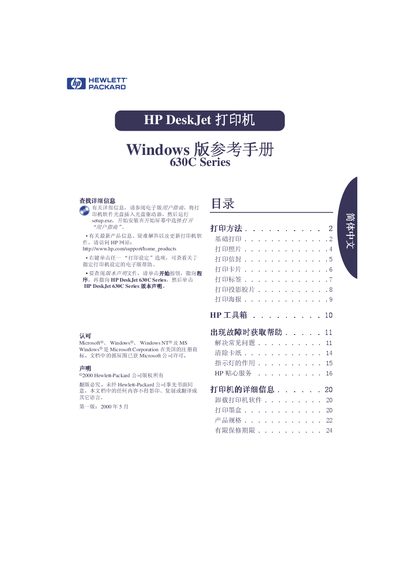
HP DeskJet 630C Series Printer Windows Reference Manual
The reference manual guides users through installing the printer software, configuring print settings, and using the HP Toolbox for maintenance tasks. It covers printing methods for photos, envelopes, cards, labels, transparencies, and posters, as well as troubleshooting and warranty information.
Technical specifications, supported Windows operating systems, and detailed instructions for cartridge replacement and media loading are included, helping users achieve optimal print quality and reliable operation. This manual is written in Chinese.
HP DeskJet 630c specifications
| Print Method | Drop-on-demand thermal inkjet printing |
|---|---|
| Print Quality | Black print quality: up to 600 dpi* Color print quality: up to 600 x 300 dpi* |
| Print Speed | With Optional Black Ink Cartridge Dependent upon document type and print mode |
| Media Sizes | U.S. letter 8.5 x 11 in (216 x 279 mm); legal 8.5 x 14 in (216 x 356 mm); European A4 210 x 297 mm |
| Memory | 512 KB built-in RAM, 32 Kbyte receiver buffer |
| Interface | IEEE 1284 - Centronics parallel compatible; Universal Serial Bus (Microsoft Windows 98) |
| Power Requirements | Input voltage and frequency: 100 VAC 50/60 Hz (–3Hz), 120 VAC 60Hz (–3Hz), 220 VAC 50Hz (–3Hz) |
| Operating Temperature | Maximum operating temperature: 5” to 40” C (41” to 104” F) |
| Warranty | Regional Warranty Periods: North America: 90 days, Latin America: 1 year, Europe & Asia: 1 year |
Source: HP DeskJet 630c Series Inkjet Printer Product Leaflet
All HP DeskJet 630c documents by type
Day-to-day operation, settings and troubleshooting. Start here if the product is already set up.
Questions answered in these manuals
What is the print quality of the HP DeskJet 630c series printer?
Black print quality: up to 600 dpi* Color print quality: up to 600 x 300 dpi*
What operating systems are compatible with the HP DeskJet 630c series printer?
Microsoft Windows (95, 98, NT 4.0, 2000 Professional, ME)
How do I install the printer software?
Insert the printer software CD into the drive and run setup.exe to start the installation.
From: HP DeskJet 630C Series Printer Windows Reference Manual
What print quality should I select for the best photo prints?
Choose the "Best" print quality setting and use the HP Photo Ink Cartridge.
From: HP DeskJet 630C Series Printer Windows Reference Manual