
Key facts
- Brand
- ATEN
- Model
- CS1316
- Documents
- 2
- Languages
- JA · ZH
- Last added
- 2012-02-19
Start here
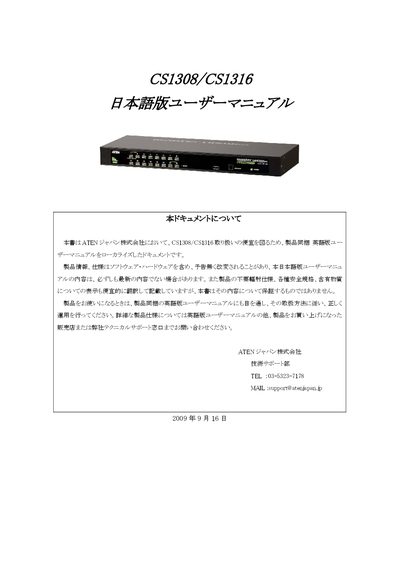
ATEN CS1308/CS1316 User Manual
The document explains how to install and configure the ATEN CS1308/CS1316 KVM switches, including hardware setup, front‑ and rear‑panel descriptions, connection diagrams, and basic operation such as port ID assignment and hot‑key functions.
It also contains the product warranty policy, support contact information, and instructions for restoring factory defaults and the default OSD settings. The manual notes that the English version is the authoritative source and that specifications may change without notice. This manual is written in Japanese.
ATEN CS1316 specifications
| OSD Hotkey (default) | Scroll Lock |
|---|---|
| Port ID display position | Top left |
| Port ID display time | 3 seconds |
Source: ATEN CS1308/CS1316 User Manual
All ATEN CS1316 documents by type
Day-to-day operation, settings and troubleshooting. Start here if the product is already set up.
Questions answered in these manuals
How can I restore the factory default settings?
Remove power, open the case, place a jumper on pins 1‑2 of J17, power on the unit, then follow the on‑screen prompts to clear the settings and restart.
What is the default OSD hotkey?
The default OSD hotkey is the Scroll Lock key.