
Key facts
Start here
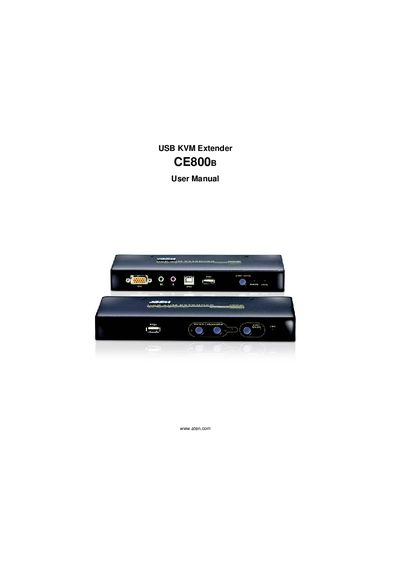
ATEN CE800B USB KVM Extender User Manual
This manual covers all aspects of the ATEN CE800B USB KVM Extender, including hardware setup, basic and advanced operation, keyboard emulation, firmware upgrades, and troubleshooting. It also contains safety information, FCC compliance details, and warranty terms.
The document includes step‑by‑step procedures, wiring diagrams, and a quick start guide, helping users install the extender, configure OSD settings, and manage hotkeys. Support contact information and online registration links are provided for further assistance.
ATEN CE800 specifications
| Near‑end device | CE800BL |
|---|---|
| Far‑end device | CE800BR |
| USB cable length | 1.8 m |
| Power adapters included | 2 |
| Custom KVM cable included | 1 |
All ATEN CE800 documents by type
Day-to-day operation, settings and troubleshooting. Start here if the product is already set up.
Questions answered in these manuals
How can I register my ATEN CE800B product?
Register the product online at ATEN's support center using the provided URLs.
What FCC classification does the CE800B have?
The CE800B is an FCC Class A digital device.
How can I register the CE800 product?
Register online at ATEN's support site: International – http://support.aten.com or North America – http://aten-usa.com/product_registration.
What FCC classification does the CE800 have?
The CE800 is classified as an FCC Class A digital device.
How can I register the CE800B online?
Visit ATEN’s online support center and follow the registration link for your region (e.g., http://support.aten.com for international users).
How do I update the firmware of the CE800B?
Use the firmware update tool described in the manual to load the latest firmware version onto the device.