
Key facts
Start here
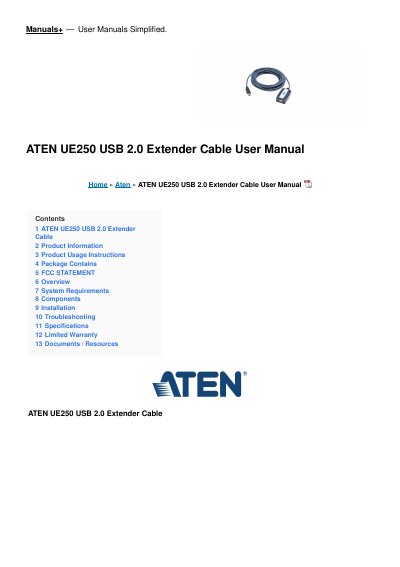
ATEN UE-250 USB 2.0 Repeater Cable User Manual
This user manual covers the ATEN UE-250 USB 2.0 Repeater Cable, an active extension cable that extends the distance between a computer and its USB peripherals by 5 meters (16 feet). An embedded custom ASIC regenerates the transmitted USB signals to maintain signal integrity and meet the USB 2.0 specification.
The manual lists system requirements, the cable's components and LEDs, a two-step installation procedure, a troubleshooting table for erratic operation, and a specification table covering cable length, connectors, USB specification, driver support, operating and storage temperature, humidity and weight. It also includes the package contents, an FCC statement and the limited warranty text.
ATEN UE-250 specifications
| Power Supply | Bus Powered |
|---|---|
| Cable length (output) | 5 m (16 ft) |
| Connectors | 1 Type A Male, 1 Type A Female |
| USB Specification | 2.0 spec. for high, full and low speed |
| Driver Support | Native Driver Support |
| Operating Temperature | 5° – 40° C |
| Storage Temperature | -20° – 60° C |
| Humidity | 0% – 80% RH, NC |
| Weight | 255 g |
All ATEN UE-250 documents by type
Day-to-day operation, settings and troubleshooting. Start here if the product is already set up.
Questions answered in these manuals
How far can the UE-250 extend a USB connection?
It extends the distance between the computer and USB peripherals by 5 meters (16 feet).
What data transfer speed does the UE-250 support?
Systems with a USB 2.0 driver installed can support speeds of up to 480 Mbps; all others support up to 12 Mbps.
How do I install the UE-250 USB Repeater Cable?
Plug the UE-250 into the computer’s USB port or a USB hub, then plug the USB peripheral into the UE-250 socket.
What should I do if the device operates erratically?
Reset the device by unplugging the cable and plugging it back in, or use external power for the connected devices.