
Key facts
- Brand
- ATEN
- Model
- CE-700
- Category
- Other device
- Documents
- 2
- Languages
- EN · ZH
- Last added
- 2012-04-12
Start here
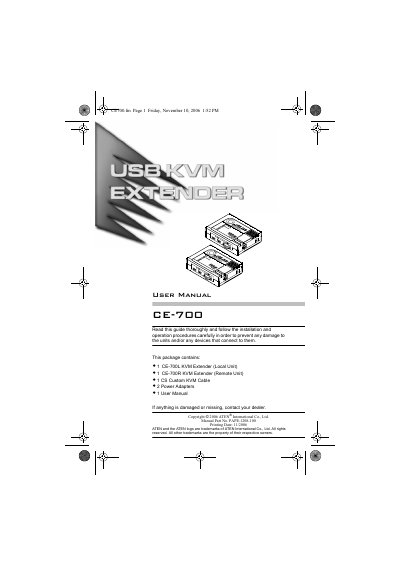
ATEN CE-700 User Manual
The CE-700 is a USB‑based KVM extender that lets you control a computer from a remote console using a keyboard, mouse and monitor. It uses standard Cat 5 cable to link a local unit and a remote unit up to 150 m apart, and can automatically adjust signal gain based on distance.
The manual covers hardware components, wiring diagrams, system requirements, and safety notices, and includes a limited warranty statement at the end of the document.
ATEN CE-700 specifications
| Maximum cable length | 150 meters |
|---|---|
| Cable type | Cat 5 |
| Video resolution | up to 1280 × 1024 |
| Supported monitor types | VGA, SVGA, multisync |
| USB ports | Keyboard and mouse ports |
| Dual console operation | Yes |
Source: ATEN CE-700 User Manual
All ATEN CE-700 documents by type
Day-to-day operation, settings and troubleshooting. Start here if the product is already set up.
Questions answered in these manuals
What type of cable is required to connect the CE-700 units?
A Cat 5 cable is required; it is the minimum standard for proper signal integrity.
From: ATEN CE-700 User Manual
How far can the remote unit be placed from the local unit?
The remote unit can be located up to 150 meters away when using Cat 5 cable.
From: ATEN CE-700 User Manual
What is the maximum USB extension distance supported by the CE700A?
The CE700A can extend USB signals up to 150 meters.