
Key facts
- Brand
- ATEN
- Model
- CS231
- Category
- Other Computer Accessories
- Industry
- Computers
- Documents
- 2
- Languages
- EN
- Last added
- 2000-01-01
Start here
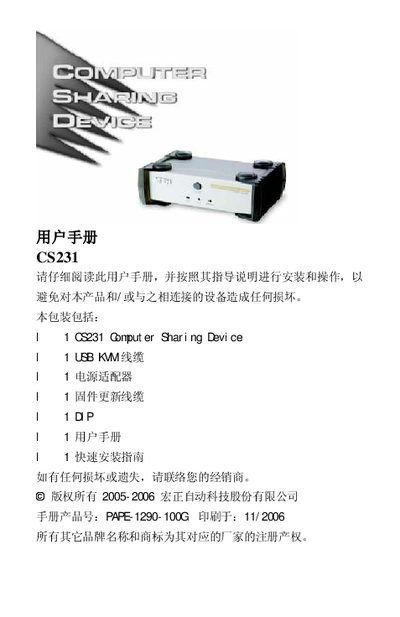
ATEN CS231 Computer Sharing Device User Manual
The ATEN CS231 is a Computer Sharing Device designed for small office and home office (SOHO) environments. It allows two users to share a single host computer using separate USB or PS/2 keyboards, mice, and monitors without the need for a network. The device supports multiple platforms including Windows, Mac, Unix, and Linux, and features both manual and automatic control modes.
Read onlineATEN CS231 specifications
| Keyboard | 2 x USB Type A female (white) |
|---|---|
| Video | 2 x HDB-15 female (blue) |
| Mouse | 2 x USB Type A female (white) |
| Host Port | 1 x SPHD-15 female (green) |
| Power | DC 5.3V; 2.2W (max) |
| Operating Temperature | 0-50℃ |
| Weight | 0.56 kg |
| Dimensions | 14.3 x 8.7 x 5.50 cm |
All ATEN CS231 documents by type
Day-to-day operation, settings and troubleshooting. Start here if the product is already set up.
Questions answered in these manuals
What are the supported operating systems?
The device supports Windows, Red Hat Linux, Mandriva Linux, SUSE Linux, FreeBSD, Netware, and Mac OS.
How do I switch between control ports?
Press the Manual/Auto button to cycle through modes: Automatic, Control Port 1 (Manual), Control Port 2 (Manual), and back to Automatic.
How can I upgrade the firmware of the CS‑231?
Connect the firmware upgrade cable to the Firmware Upgrade Port on the CS‑231 and to the administrator’s computer, then follow the firmware upgrade procedure.
From: ATEN CS-231 User Manual