
Key facts
- Brand
- ATEN
- Model
- CV-130
- Category
- Other Computer Accessories
- Documents
- 2
- Languages
- EN · ZH
- Last added
- 2012-04-12
Start here
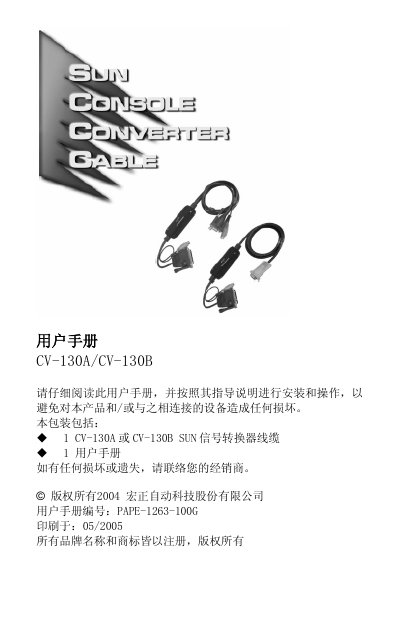
Hongzheng CV-130A/130B User Manual
The CV-130A and CV-130B are Sun‑compatible signal converters that translate PS/2 keyboard, mouse and video signals to legacy Sun interfaces. They work with both standard PS/2 KVM switches and Sun KVM systems, providing hot‑plug support and high‑resolution display capability.
The manual explains how to connect the converter cables, configure the device, and resolve common issues such as mouse wake‑up problems and display resolution errors. It also lists technical specifications, warranty information, and compliance notes. This manual is written in Chinese.
ATEN CV-130 specifications
| Power Consumption | S0mA (max) |
|---|---|
| Video In Connector | 13W3 / Female |
| Video Out Connector | HD15 / Female |
| Sun Keyboard Connector | Mini Din 8‑Pin / Female |
| Mouse Connector | Mini Din 6‑Pin / Female |
| DIP Switch | 8 bits |
| LED Active | Green |
| Operation Temperature | SMC ~ 40% |
| Storage Temperature | -20%C ~ 60%C |
| Humidity | 0% ~ 80% (RH) |
| Enclosure | Plastic |
| Weight | 1509 |
| Dimensions (L×W×H) | 100 x 80 x 36 mm |
All ATEN CV-130 documents by type
Day-to-day operation, settings and troubleshooting. Start here if the product is already set up.
Questions answered in these manuals
What does the CV-130 convert?
The CV-130 converts PS/2 keyboard, mouse and monitor signals to regular Sun workstation signals.
Do I need a power adapter for the CV-130?
No, the CV-130 does not require an external power adapter.
How do I install the CV‑130A/130B converter?
Connect the converter cable to the appropriate ports on the KVM switch and the Sun workstation, ensuring all devices are powered off and grounded before connection.
Which display resolutions are supported by the converter?
The device supports Sun‑specific resolutions of 1152×900, 1280×1024, and 1600×1200.