
Key facts
- Brand
- ATEN
- Model
- KL1100
- Category
- Other device
- Industry
- Computers
- Documents
- 2
- Languages
- EN
- Last added
- 2012-03-20
Start here
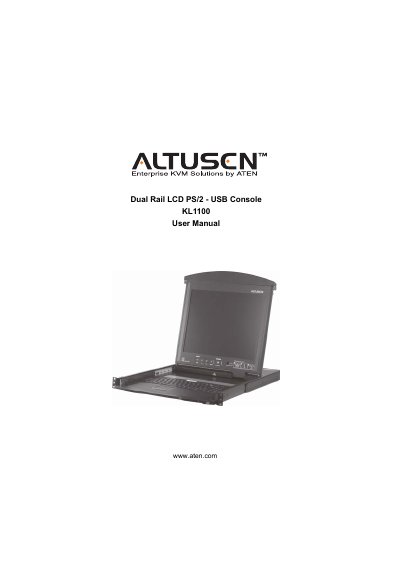
Altusen KL1100 Dual Rail LCD PS/2‑USB Console User Manual
This manual covers everything you need to set up and use the Altusen KL1100 KVM console. It begins with an introduction to the console’s features and components, then walks you through hardware setup, rack mounting, and cable connections.
Subsequent chapters describe normal operation, hot‑plug procedures, firmware upgrades, and detailed specifications for both AC and DC power models. Appendices include safety instructions, troubleshooting tips, and warranty information.
All ATEN Altusen KL1100 documents by type
Day-to-day operation, settings and troubleshooting. Start here if the product is already set up.
Questions answered in these manuals
How do I register my KL1100 product?
Register online at ATEN’s support site (http://support.aten.com) or the North America site (http://www.aten-usa.com/product_registration).
From: Altusen KL1100 Dual Rail LCD PS/2‑USB Console User Manual
What is the North America telephone support number for the KL1100?
Call 1‑888‑999‑ATEN for North America telephone support.
From: Altusen KL1100 Dual Rail LCD PS/2‑USB Console User Manual