
Key facts
- Brand
- ATEN
- Model
- FH-600
- Category
- Other Computer Accessories
- Industry
- Computers
- Documents
- 2
- Languages
- ZH · EN
- Last added
- 2026-10-01
Start here
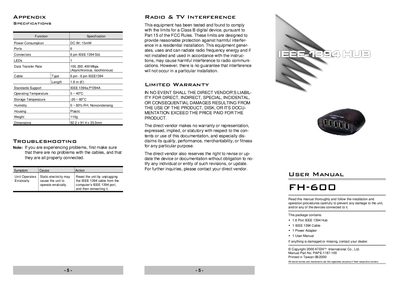
ATEN FH-600 user manual
The FH-300 is a six‑port IEEE 1394 hub that supports data rates of 100, 200 and 400 Mbps, hot‑plugging, and optional external power. It is designed for easy connection of digital video and other IEEE 1394 peripherals in a SOHO environment.
This manual describes the hub’s specifications, how to install the hub and optional power adapter, connect devices, interpret status LEDs, and resolve common issues such as erratic operation caused by static electricity.
ATEN FH-600 specifications
| Connector Type | 6P‑6P |
|---|---|
| Cable Length | 1.8 m |
| Dimensions | 92.2 × 91.4 × 33.3 mm |
All ATEN FH-600 documents by type
Day-to-day operation, settings and troubleshooting. Start here if the product is already set up.
Questions answered in these manuals
Does the FH-600 support hot‑plugging?
Yes, the hub supports hot‑plugging without needing to power down.
How can I reset the hub if it operates erratically?
Unplug the IEEE 1394 cable from the computer’s IEEE 1394 port, then reinsert it to reset the unit.
From: ATEN FH-600 user manual
When should I use the optional external power adapter?
If the hub’s power from the computer is insufficient for the connected peripherals, connect the optional external power adapter to the Power Jack.
From: ATEN FH-600 user manual