
Key facts
- Brand
- ATEN
- Model
- CS-228
- Industry
- Industrial
- Documents
- 2
- Languages
- EN · ZH
- Last added
- 2012-04-12
Start here
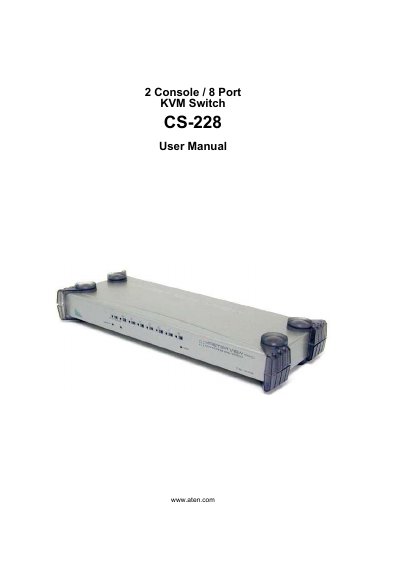
ATEN CS-228 KVM Switch User Manual
This manual covers all aspects of installing and using the ATEN CS-228 8‑port KVM switch, including hardware setup, basic operation, and on‑screen display (OSD) functions. It also provides safety instructions, troubleshooting tips, and warranty information.
The document includes detailed sections on stacking and rack‑mounting, port selection, hot‑plugging, and how to reset keyboard/mouse connections, helping users configure single‑station or cascaded installations efficiently.
All ATEN CS-228 documents by type
Day-to-day operation, settings and troubleshooting. Start here if the product is already set up.
Questions answered in these manuals
What is included in the CS-228 package?
The basic CS-228 package includes one CS-228 KVM Switch with stacking pads, one power adapter, one rack‑mount kit, and one user manual.
How do I register my ATEN product online?
Register the product at ATEN’s online support center via http://support.aten.com for international users or http://www.aten-usa.com/product_registration for North America.
What safety instructions are included?
The manual provides safety instructions covering rack mounting, stacking, and general safety information.
From: ATEN CS-228 User Manual
What cables are required for the CS-228?
The Cables chapter lists the necessary cable types and connections for the device.
From: ATEN CS-228 User Manual