
Key facts
- Brand
- ATEN
- Model
- CS428
- Industry
- Industrial
- Documents
- 2
- Languages
- EN · ZH
- Last added
- 2012-04-12
Start here
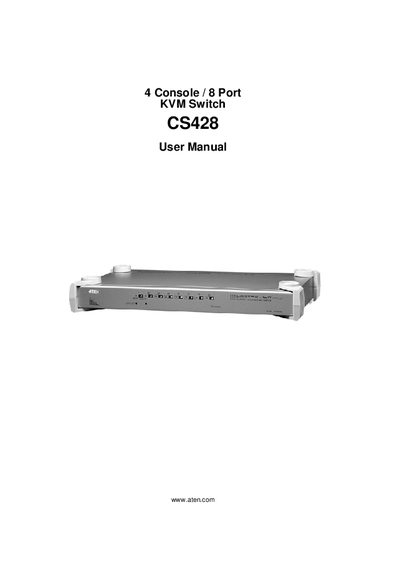
ATEN CS428 KVM Switch User Manual
This manual covers everything needed to set up and use the ATEN CS428 KVM Switch, including package contents, safety instructions, hardware setup (single‑station, rack‑mount, and cascaded installations), basic operation, and detailed OSD (On‑Screen Display) navigation. It also contains a specifications appendix, troubleshooting guide, and warranty information.
Support resources such as online registration, telephone assistance, and technical support contacts are listed, and the manual emphasizes proper voltage settings, FCC compliance, and RoHS compliance to ensure safe and reliable operation.
ATEN CS428 specifications
| Direct computer connections | 8 |
|---|---|
| Maximum computers via cascading | 64 |
| Keyboard connector | 2×6‑pin mini‑DIN (purple) |
| Mouse connector | 2×6‑pin mini‑DIN (green) |
| Power consumption | DC 9 V, 7.2 W max |
| Operating temperature | 5‑40 °C |
| Dimensions (L×W×H) | 43.35×25.42×4.4 cm (19" 1U) |
| Weight | 4.2 kg |
All ATEN CS428 documents by type
Day-to-day operation, settings and troubleshooting. Start here if the product is already set up.
Questions answered in these manuals
How many consoles does the CS428 support?
The CS428 supports four consoles.
What should you do if the keyboard or mouse is not responding?
Check the Online LED for the selected port, ensure the computer is powered on, verify all cables are properly connected, and if needed reset the keyboard/mouse by using the K/M Reset Switch on the front panel.
How many computers can the CS428 control directly and via cascading?
It can control up to 8 computers directly and up to 64 computers when cascaded with additional units.
What power does the CS428 require?
It uses a 9 V DC power supply and consumes up to 7.2 W.