
Key facts
- Brand
- ATEN
- Model
- CS52
- Category
- Other device
- Industry
- Computers
- Documents
- 2
- Languages
- EN
- Last added
- 2022-10-25
Start here
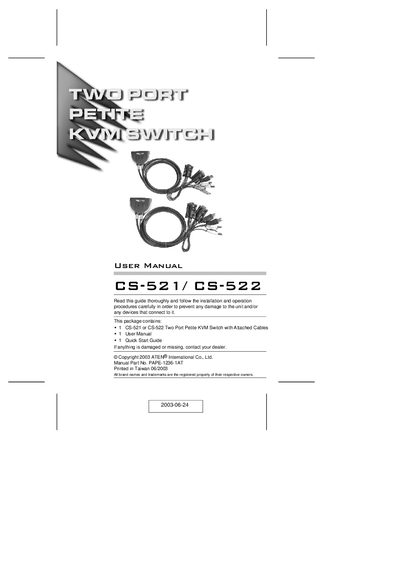
ATEN CS-521/CS-522 User Manual
The CS-521/CS-522 is a compact two‑port KVM switch that lets a single console control two computers. It includes built‑in custom KVM cables (USB for the CS-522 model, USB + PS/2 for the CS-521) and supports speaker output, LED status indicators, and hot‑key switching.
Installation is straightforward: connect the console’s keyboard, monitor, mouse and optional speakers, attach the integrated cables to each computer, power up, and use hot‑key combinations to toggle control. The manual also covers hardware requirements, front‑panel layout, and troubleshooting tips such as keyboard compatibility and notebook limitations.
ATEN CS52 specifications
| Number of computer connections | 2 |
|---|---|
| Keyboard connector | 1 × 6‑pin mini‑DIN (PS/2) |
| Monitor connector | 1 × HDB‑15 female (Blue) |
| Console cable length | 0.15 m |
| Operating temperature | 0 – 50 °C |
| Humidity range | 0 – 80 % RH, non‑condensing |
| Dimensions (L × W × H) | 845 × 340 × 213 mm |
| Weight | 0.33 kg |
All ATEN CS52 documents by type
Day-to-day operation, settings and troubleshooting. Start here if the product is already set up.
Questions answered in these manuals
What is the default hotkey for port switching?
The default hotkey is the Scroll Lock key (double‑press).
How do I switch control between the two connected computers?
Press the hot‑key combinations on the keyboard to change the KVM focus between computers.
Which keyboards are compatible with the CS‑521/CS‑522?
PS/2 keyboards work; XT and AT keyboards are not supported.