
Key facts
- Brand
- ATEN
- Model
- CS1734B
- Industry
- Industrial
- Documents
- 2
- Languages
- EN · ZH
- Last added
- 2012-04-12
Start here
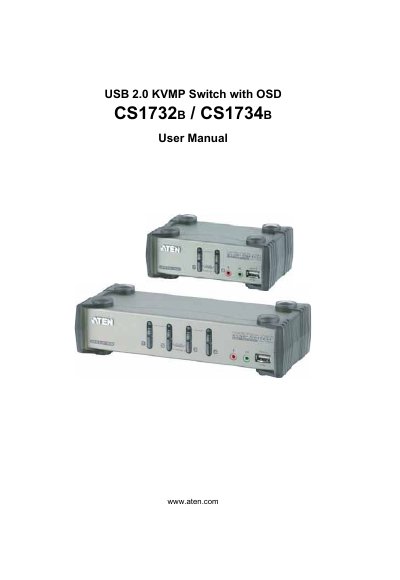
ATEN CS1732B/CS1734B User Manual
This manual provides complete instructions for installing, configuring, and operating the ATEN CS1732B/CS1734B USB 2.0 KVMP Switch with On‑Screen Display. It includes safety information, package contents, and detailed procedures for hardware setup, basic operation, keyboard port control, OSD usage, and firmware upgrades.
Additional sections cover specifications, troubleshooting tips, warranty information, and contact details for technical support and online registration.
ATEN CS1734B specifications
| Computer connections | 2 (CS1732B) / 4 (CS1734B) |
|---|---|
| Display connector | 1×HDB-15 (blue) |
| Mouse connector | 1×A‑type USB (black) |
| Speaker connector | 2× Mini Stereo Jack (green) |
| Power supply | DC 5.3 V, 3.1 W max (CS1732B) / 3.4 W max (CS1734B) |
| Operating temperature | 0 °C to 50 °C |
| Dimensions (CS1732B) | 14.00 × 8.70 × 5.50 cm |
Source: ATEN CS1732B/CS1734B USB 2.0 KVMP Switch with OSD User Manual
All ATEN CS1734B documents by type
Day-to-day operation, settings and troubleshooting. Start here if the product is already set up.
Questions answered in these manuals
What is the default OSD hotkey?
The default OSD hotkey is the Scroll Lock key.
From: ATEN CS1732B/CS1734B USB 2.0 KVMP Switch with OSD User Manual
How can I reset the USB port if it stops responding?
Press the USB reset hotkey combination (F5) to reset the USB port.
From: ATEN CS1732B/CS1734B USB 2.0 KVMP Switch with OSD User Manual