
Key facts
- Brand
- ATEN
- Model
- CL1008
- Category
- Other Computer Accessories
- Industry
- Computers
- Documents
- 2
- Languages
- EN · ZH
- Last added
- 2026-10-19
Start here
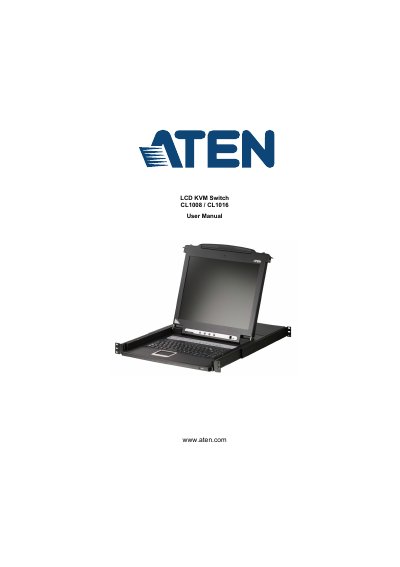
ATEN CL1008/CL1016 LCD KVM Switch User Manual
The document serves as a comprehensive guide for the ATEN CL1008 and CL1016 LCD KVM Switches. It details the product's purpose, features, and requirements, followed by step-by-step instructions for hardware setup, including standard rack mounting and daisy chain installation configurations.
Read onlineATEN CL1008 specifications
| Computer Connections | Direct 8 Max 128 (via Daisy Chain) |
|---|---|
| Port Selection Methods | OSD; Hotkey; Pushbutton Switches |
| Connectors (KVM Ports) | 8 x SPHD-15 Female (Yellow) |
| Video Resolution | 1280 x 1024 @ 75 Hz; DDC2B |
| Power Consumption (120V) | 15W |
| Operating Temperature | 0–40 o C |
All ATEN CL1008 documents by type
Day-to-day operation, settings and troubleshooting. Start here if the product is already set up.
Questions answered in these manuals
What is the maximum number of computers supported via daisy chain?
The CL1008 supports a direct connection to 8 computers, with a maximum of 128 computers when using a daisy chain configuration.
What are the methods for selecting ports on this device?
Ports can be selected using the On-Screen Display (OSD), Hotkey mode, or physical pushbutton switches.
What is the maximum number of computers supported via daisy chaining?
The CL1008/CL1016 supports up to 128 computers when connected via daisy chaining.
What type of connector is used for the KVM ports?
The KVM ports use 8 x SPHD – 15 female connectors (yellow).