
Key facts
- Brand
- ATEN
- Model
- KH-1508/KH-1516
- Category
- Other Computer Accessories
- Industry
- Computers
- Documents
- 3
- Languages
- EN · ZH
- Last added
- 2012-03-21
Start here
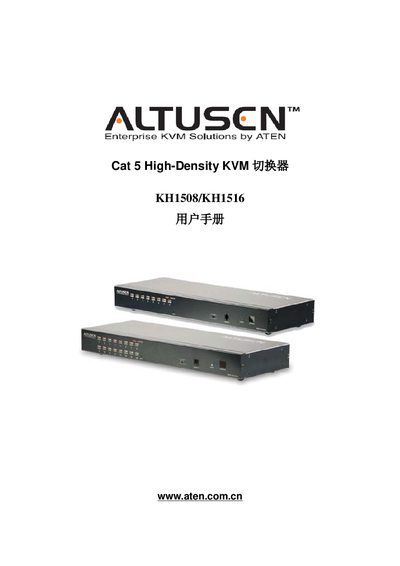
ATEN KH1508 / KH1516 User Manual
This manual provides the operating and installation instructions for ATEN's KH1508 and KH1516 Cat 5 high‑density KVM switches. It includes safety notices, FCC compliance information, and contact details for technical support.
The document also lists the model numbers, references to ATEN support web pages, and regulatory identifiers such as FCC and SJ/T standards. Users can refer to the manual for wiring diagrams, configuration steps, and troubleshooting guidance.
ATEN KH-1508/KH-1516 specifications
| Direct Computer Connections | 8 (KH-1508) / 16 (KH-1516) |
|---|---|
| Power Rating | AC-100-240V 50/60Hz |
| Power Consumption | 25W (KH-1508) / 27W (KH-1516) |
| Operating Temperature | 0 – 50 ℃ |
| Weight | 2.7 kg |
Source: ATEN KH-1508/KH-1516 Cat 5 High-Density KVM Switch User Manual
All ATEN KH-1508/KH-1516 documents by type
Day-to-day operation, settings and troubleshooting. Start here if the product is already set up.
Questions answered in these manuals
What are the model numbers covered by this manual?
The manual covers the KH1508 and KH1516 KVM models.
Where can I find ATEN technical support for these KVM switches?
Technical support is available at http://support.aten.com.
Is the KH1508 / KH1516 KVM switch FCC Class A compliant?
Yes, the manual states that the product is an FCC Class A device and complies with the limits for a Class A digital device.
Does the KH1508 / KH1516 meet RoHS requirements?
Yes, the manual confirms that the product is RoHS compliant.
What is included in the basic package?
The package includes the KVM switch, firmware update cable, power cord, rack mounting tools, foot pads, registration card, user manual, and quick installation guide.
From: ATEN KH-1508/KH-1516 Cat 5 High-Density KVM Switch User Manual
How can I clear login information if the password is forgotten?
Cut the power, open the case, short-circuit the J8 jumper, turn on the power to clear the password, remove the jumper, close the case, and restart.
From: ATEN KH-1508/KH-1516 Cat 5 High-Density KVM Switch User Manual