
Key facts
- Brand
- ATEN
- Model
- CS1764A
- Category
- Other Computer Accessories
- Industry
- Computers
- Documents
- 2
- Languages
- ZH
- Last added
- 2012-02-19
Start here
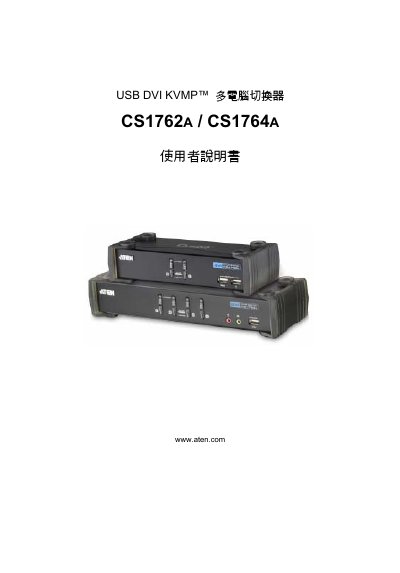
ATEN CS1762A/CS1764A USB DVI KVMP Multi-Computer Switcher User Manual
This manual provides step‑by‑step instructions for installing and using the ATEN CS1762A/CS1764A USB DVI KVMP multi‑computer switcher. It includes hardware setup, basic operation, hot‑key functions, key‑mapping tables, firmware upgrade procedures, and a full specifications sheet.
Additional sections cover safety notices, FCC and RoHS compliance, troubleshooting tips, and warranty information. Support contact numbers for various regions are also listed for further assistance. This manual is written in Chinese.
ATEN CS1764A specifications
| USB Hub Ports | 2 ports (USB 2.0) |
|---|---|
| KVM Ports | 2 ports (CS1762A) / 4 ports (CS1764A) |
| Audio Support | 2.1 stereo surround |
| Power Consumption | DC 5.3 V, 9.0 W (10.7 W max) |
| Weight | 0.73 kg (CS1762A) / 0.94 kg (CS1764A) |
| Dimensions (L×W×H) | 21.00×8.70×5.50 cm (CS1762A) / 27.00×8.70×5.50 cm (CS1764A) |
| Video Interface Compatibility | DVI‑Digital and DVI‑Analog (full DVI spec) |
| Cross‑Platform Compatibility | Windows, Linux, Mac, Sun |
| Keyboard Language Support | English, Japanese, French |
| Video Sync Technology | ATEN Video Dynasync™ |
All ATEN CS1764A documents by type
Day-to-day operation, settings and troubleshooting. Start here if the product is already set up.
Questions answered in these manuals
How many computers can the CS1762A and CS1764A control?
The CS1762A can control 2 computers, while the CS1764A can control 4 computers.
What audio capabilities does the KVM switch provide?
It supports 2.1 stereo surround sound with low‑frequency response.
How can I reduce RF interference caused by the switcher?
Reposition the antenna, increase the distance between the device and the receiver, use a different power outlet, or contact a qualified technician for assistance.
From: ATEN CS1762A/CS1764A USB DVI KVMP Multi-Computer Switcher User Manual