
Key facts
- Brand
- ATEN
- Model
- CE252
- Category
- Other Electronics
- Documents
- 2
- Languages
- ZH · EN
- Last added
- 2023-11-11
Start here
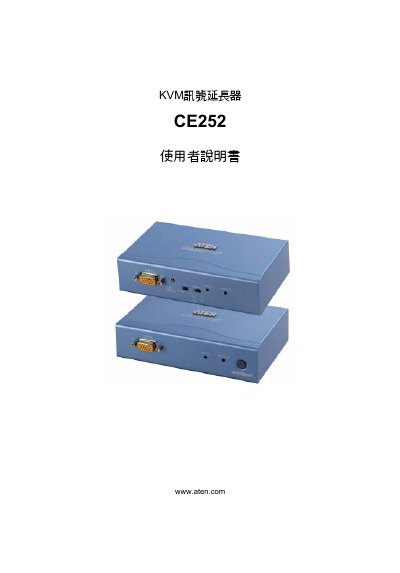
ATEN CE252 KVM Extender User Manual
This is the user manual for the ATEN CE252 KVM signal extender (KVM讯号延长器), which consists of a CE252L local unit and a CE252R remote unit. The manual lists the package contents, describes the front and rear views of both units, and walks through hardware installation, basic operation, hotkey use, auto scan mode (ASM), gain control, LED indicator meanings and rack mounting. An appendix provides the product specification table, VGA and TP pin assignments, TP cable diagram, a troubleshooting table and warranty conditions.
The document also carries regulatory and compliance notices, including FCC Class A statements, RoHS compliance and the SJ/T 11364-2006 hazardous-substances marking table for the China market, along with ATEN support and registration contacts. It notes that the product uses specially shaped SPHD connectors, so only ATEN-designed KVM cable sets fit, and that direct sales vendors limit liability to the purchase price of the product. This manual is written in Chinese.
All ATEN CE252 documents by type
Day-to-day operation, settings and troubleshooting. Start here if the product is already set up.
Questions answered in these manuals
What is included in the CE252 package?
The package contains one CE252L local unit, one CE252R remote unit, two KVM cable sets, two rack mount kits, two ground wires, one user manual and one quick installation card.
What should I check if there is no image?
Make sure all cables are securely plugged into their sockets. If picture quality is poor, lowering the refresh rate may help.
What should I do if there is no video?
Make sure that all cables are securely plugged into their sockets.
How can I improve poor video quality?
Reduce the refresh rate to improve video quality.