
Key facts
- Brand
- ATEN
- Model
- KL1508Ai
- Documents
- 2
- Languages
- EN
- Last added
- 2026-10-19
Start here
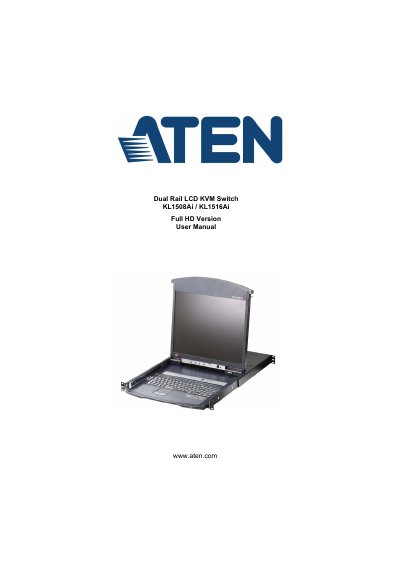
ATEN KL1508Ai / KL1516Ai Dual Rail LCD KVM Switch User Manual
This user manual provides detailed instructions for installing, operating, and managing the ATEN KL1508Ai and KL1516Ai dual rail LCD KVM switches. It covers hardware setup, port access, hotkey operations, login procedures, and configuration of the on-screen display (OSD). The manual also includes safety information, troubleshooting, and firmware upgrade guidance. It is intended for users who need to control multiple computers via a single console using keyboard, mouse, and video switching.
Read onlineATEN KL1508Ai specifications
| Max. Computer Connections (via Daisy Chain) | KL1508Ai: 128; KL1516Ai: 256 |
|---|---|
| Console Ports | KL1508Ai: 1 x 6-pin Mini-DIN Female (Purple); KL1516Ai: 1 x USB Type-A Female (White) |
| KVM Ports | KL1508Ai: 8 x RJ-45 Female; KL1516Ai: 16 x RJ-45 Female |
| Power | 1 x 3-prong AC socket |
Source: ATEN KL1508Ai / KL1516Ai Dual Rail LCD KVM Switch User Manual
All ATEN KL1508Ai documents by type
Day-to-day operation, settings and troubleshooting. Start here if the product is already set up.
Questions answered in these manuals
What is the maximum number of computers supported via daisy chaining?
The KL1508Ai supports up to 128 computers and the KL1516Ai supports up to 256 computers via daisy chaining.
From: ATEN KL1508Ai / KL1516Ai Dual Rail LCD KVM Switch User Manual
What type of connector is used for the KVM ports?
The KVM ports utilize RJ-45 Female connectors.
From: ATEN KL1508Ai / KL1516Ai Dual Rail LCD KVM Switch User Manual
What is the voltage setting requirement before use?
Verify that the voltage setting is correct before use.
From: ATEN KL1508Ai / KL1516Ai Dual Rail LCD KVM Switch User Manual
What is the telephone support number for North America?
1-888-999-ATEN ext 4988.
From: ATEN KL1508Ai / KL1516Ai Dual Rail LCD KVM Switch User Manual