
Key facts
- Brand
- ATEN
- Model
- CS-1732A
- Category
- Other Computer Accessories
- Industry
- Computers
- Documents
- 3
- Languages
- EN · ZH
- Last added
- 2012-04-12
Start here
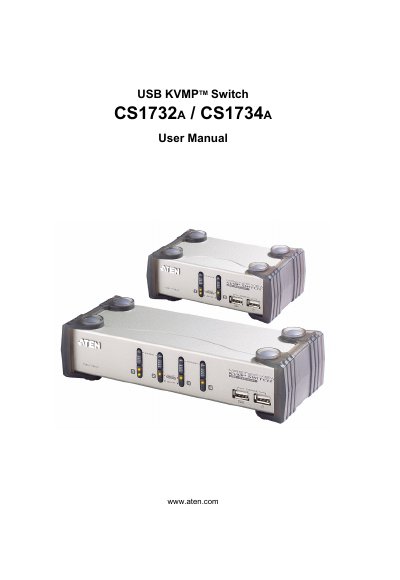
ATEN CS1732A/CS1734A USB KVMP Switch User Manual
This manual covers the ATEN CS1732A and CS1734A USB KVMP Switch, describing its features, hardware components, and how to set up the device for use with multiple computers. It includes safety notices, FCC compliance information, and registration details.
Key sections include hardware setup with cable connections, basic operation procedures, keyboard port functions, firmware upgrade steps, technical specifications, and a troubleshooting guide. Appendices provide connector information, warranty terms, and additional support resources.
ATEN CS-1732A specifications
| Host connections | 2 (CS-1732A) / 4 (CS-1734A) |
|---|---|
| Power consumption | 240 mA (CS-1732A) / 1280 mA (CS-1734A) |
| Operating temperature | 0 °C – 50 °C |
| Dimensions (L×W×H) | 13.0 × 7.45 × 4.2 cm (CS-1732A) / 20 × 7.45 × 4.2 cm (CS-1734A) |
All ATEN CS-1732A documents by type
Day-to-day operation, settings and troubleshooting. Start here if the product is already set up.
Questions answered in these manuals
How can I reset the USB ports on the CS1732A/CS1734A?
Use the USB reset hotkey combination (see [F5]) to reset the USB ports.
What should I do if the mouse or keyboard is not responding?
Unplug the cable(s) from the console part(s), then plug them back in.
How can I switch between hosts?
You can select a host by pressing the front‑panel buttons or by using keyboard hot‑key combinations.
What should I do if the KVM switch works unstable?
Check that a DC 5 V power supply is used, verify the power connection, and reset the ports as described in the troubleshooting section.
How do I reset a USB device that is not responding?
Press the USB reset hotkey combination as described in the manual (see page 18).
What power supply should be used with the KVM switch?
Use a DC 5 V power adapter and verify that the adapter matches the system specifications.