
Key facts
- Brand
- ATEN
- Model
- KH2508
- Category
- Other Computer Accessories
- Industry
- Computers
- Documents
- 2
- Languages
- EN · JA
- Last added
- 2012-03-20
Start here
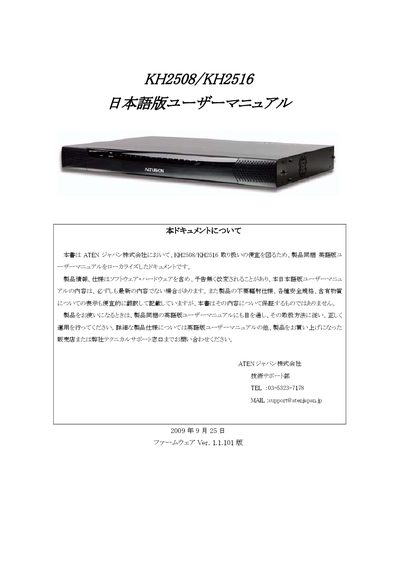
ATEN KH2508/KH2516 User Manual
This manual, prepared by ATEN Japan, offers safety guidelines, warranty terms, and contact details for technical support. It explains the intended use of the KH2508/KH2516 KVM switches, notes limitations for high‑reliability applications, and outlines the warranty exclusions.
The document then details the installation process, including rack‑mounting, power connections, and jumper settings, followed by basic operation instructions such as hot‑plugging, OSD navigation, port selection, and cascade connections. Additional sections cover advanced OSD functions, hotkey reference, and troubleshooting steps. This manual is written in Japanese.
ATEN Altuscn KH2508 specifications
| Console ports | 8 or 16 |
|---|---|
| Interface type | Cat 5 |
| RoHS compliance | Yes |
| FCC classification | Class A |
Source: ATEN KH2508 / KH2516 User Manual
All ATEN Altuscn KH2508 documents by type
Day-to-day operation, settings and troubleshooting. Start here if the product is already set up.
Questions answered in these manuals
How do I register my ATEN KH2508 / KH2516 product?
Register online at ATEN's support site: http://support.aten.com for international users or http://www.aten-usa.com/product_registration for North America.
What FCC class does the KH2508 / KH2516 belong to?
The device is classified as an FCC Class A product.
How do I start the OK prompt on Sun Solaris?
Press the Ctrl key once, release it, then hold the T key while pressing the Alt key.
Which models can be cascaded with this product?
The KH2508/KH2516 can be cascaded with other KH2508 and KH2516 units.