
Key facts
- Brand
- ATEN
- Model
- EC1000
- Category
- Other Computer Accessories
- Documents
- 2
- Languages
- ZH · JA
- Last added
- 2026-10-18
Start here
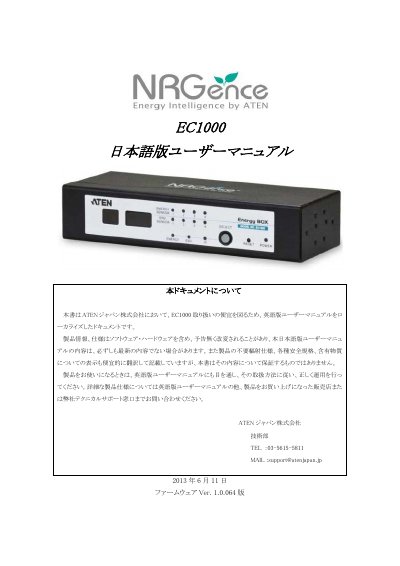
ATEN EC1000 KVM Switch User Manual
User Manual 71 pages · 2 MB · JA
This document is a localized Japanese version of the English user manual for the ATEN EC1000 KVM switch. It serves as a guide for users to operate the device correctly, referencing the original English manual for detailed specifications and operational procedures. The document includes disclaimers regarding product specifications and compatibility with third-party devices. This manual is written in Japanese.
Read onlineATEN EC1000 specifications
| Power Monitoring Range | 100 – 240 V; 50/60 Hz; 0 A to 32 A (per port) |
|---|---|
| Current Accuracy | ± 0.1 A @ 0 ~ 1 A, ± 1 % @ > 1 A |
| Operating Temperature | 0 – 50 °C |
| Storage Temperature | -20 – 60 °C |
| Weight | 0.59 kg |
All ATEN EC1000 documents by type
User Manual 2
Day-to-day operation, settings and troubleshooting. Start here if the product is already set up.
Questions answered in these manuals
What is the default IP address of the EC1000?
The default IP address for the switcher is 192.168.0.60.
How can I reset the administrator login information?
You must remove the power and case, place a jumper cap on board location J6, power it on briefly, then remove the cap.