
Key facts
- Brand
- ATEN
- Model
- CS1782
- Industry
- Industrial
- Documents
- 3
- Languages
- EN · ZH
- Last added
- 2012-04-12
Start here
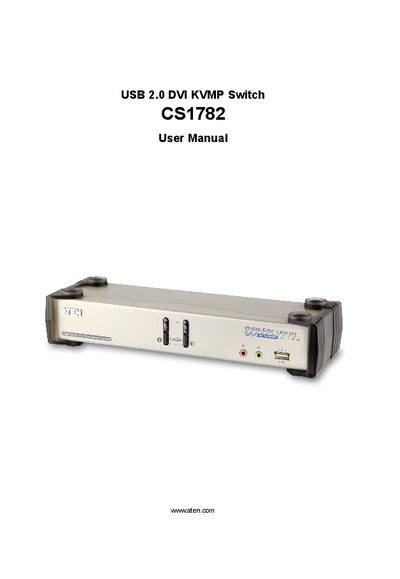
ATEN CS1782 User Manual
This manual covers the ATEN CS1782 USB 2.0 DVI KVMP Switch, describing its hardware components, required cables, and safety information. It guides users through registration, support contacts, and the contents of the package.
Key sections include hardware setup, basic operation, keyboard port operation, keyboard emulation mappings, firmware upgrade procedures, specifications, troubleshooting, and warranty details. The document also provides hotkey conventions and troubleshooting steps for common issues.
ATEN CS1782 specifications
| Number of computer connections | 2 |
|---|---|
| Keyboard USB Type A ports (rear) | 1 |
| Mouse USB Type A ports (rear) | 1 |
| USB hub ports | 2 USB Type A (front and rear) |
| Operating temperature | 0 °C – 50 °C |
| Storage temperature | -20 °C – 60 °C |
| Weight | 0.94 kg |
| Dimensions (L×W×H) | 27.00 mm × 8.80 mm × 5.55 mm |
All ATEN CS1782 documents by type
Day-to-day operation, settings and troubleshooting. Start here if the product is already set up.
Questions answered in these manuals
What is the maximum VGA cable distance for the CS1782?
The VGA cable should not exceed 20 m in length; a shorter cable may be required in some cases.
From: ATEN CS1782 User Manual
How do I reset the keyboard and mouse if they stop responding?
Unplug the keyboard/mouse cable from the control end and plug it back in.
Which video resolutions are supported over DVI‑D?
DVI‑D supports up to 2560 × 1600 @ 60 Hz (Dual Link) and also Apple 20", 23", 30" Cinema Displays.