
Key facts
- Brand
- ATEN
- Model
- CE750
- Category
- Other Computer Accessories
- Documents
- 2
- Languages
- EN
- Last added
- 2026-10-01
Start here
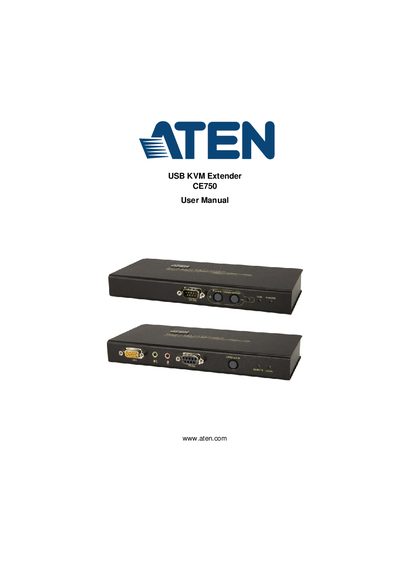
ATEN CE750 USB KVM Extender User Manual
This manual explains how to install and configure the ATEN CE750 USB KVM Extender, including hardware setup, rack mounting, grounding, and cable connections. It covers both the CE750L local unit and the CE750R remote unit, describing their front and rear views, ports, and LEDs.
The document also details operating modes, picture compensation, safety instructions, troubleshooting steps, and technical specifications such as video resolution, power consumption, and environmental limits.
ATEN CE750 specifications
| Keyboard Port | 1 x USB Type A Female (White) |
|---|---|
| Video Resolution | 1920 x 1200 @ 60Hz |
| Power Consumption (Local) | DC5.3V/3.0W |
| Operating Temperature | 0–50 °C |
| Weight | 0.49 kg |
| Maximum Cable Distance | 150 m using Cat 5e cable |
All ATEN CE750 documents by type
Day-to-day operation, settings and troubleshooting. Start here if the product is already set up.
Questions answered in these manuals
What is the maximum cable distance for the CE750?
The CE750 can connect local and remote units at distances up to 150 m using Cat 5e cable.
How much power does the CE750 consume?
The local unit consumes DC 5.3 V at 3.0 W, while the remote unit consumes DC 5.3 V at 4.2 W.
How can I register my ATEN CE750 product?
Register online at the ATEN support site (http://support.aten.com) or the North America site (http://aten-usa.com/product_registration).
What should I do if there is no video output?
Make sure that all cables are securely plugged into their sockets.