
Key facts
Start here
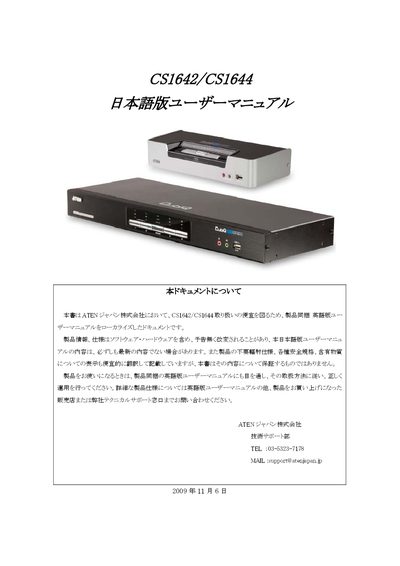
ATEN CS1642/CS1644 User Manual
The CS1642 and CS1644 are KVM switches designed for connecting keyboards, mice, monitors and other client devices to multiple computers. This manual, localized by ATEN Japan, supplements the English manual and includes safety notices, warranty terms, and contact information.
It covers front‑panel and rear‑panel descriptions, step‑by‑step setup, basic operation, hot‑key configuration, keyboard emulation for Mac and Sun, firmware upgrade procedures, and a troubleshooting guide for common issues such as USB hub problems and DVI hot‑plug failures. This manual is written in Japanese.
All ATEN CS1644 documents by type
Day-to-day operation, settings and troubleshooting. Start here if the product is already set up.
Questions answered in these manuals
How do I reset the KVM switch if it stops responding?
Turn off the power to the KVM and all connected devices, wait at least 5 seconds, then turn it back on and reconnect the cables.
How can I upgrade the firmware?
Run the firmware upgrade utility described on page 41; if the current version is not the latest, applying the newest firmware is recommended.